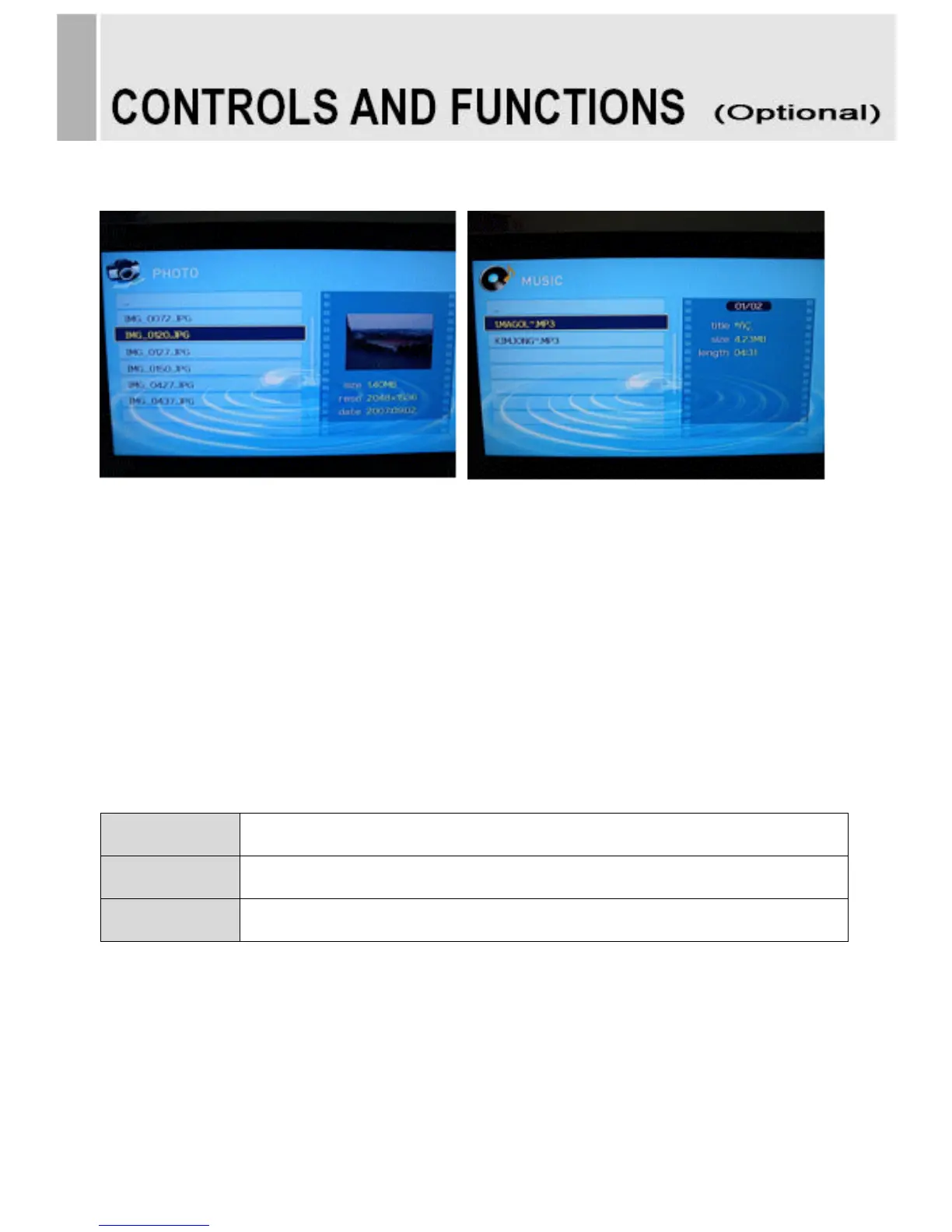
D. PHOTO MUSIC
-Playing slideshow with music.
1. Press the USB button and then use ◀/▶ button to select the PHOTO MUSIC.
2. Press the SEL button.
3. Press the ▲/▼ button to select photo file.
4. Press the SEL button for picture display for slideshow.
5. Moved to music file list for music playing.
6. Press the SEL button for playing music with photo slide show.
7. Press exit or press the ESC button to return to the USB menu.
Using the remote control



 To Next Page