OSD Menu Description
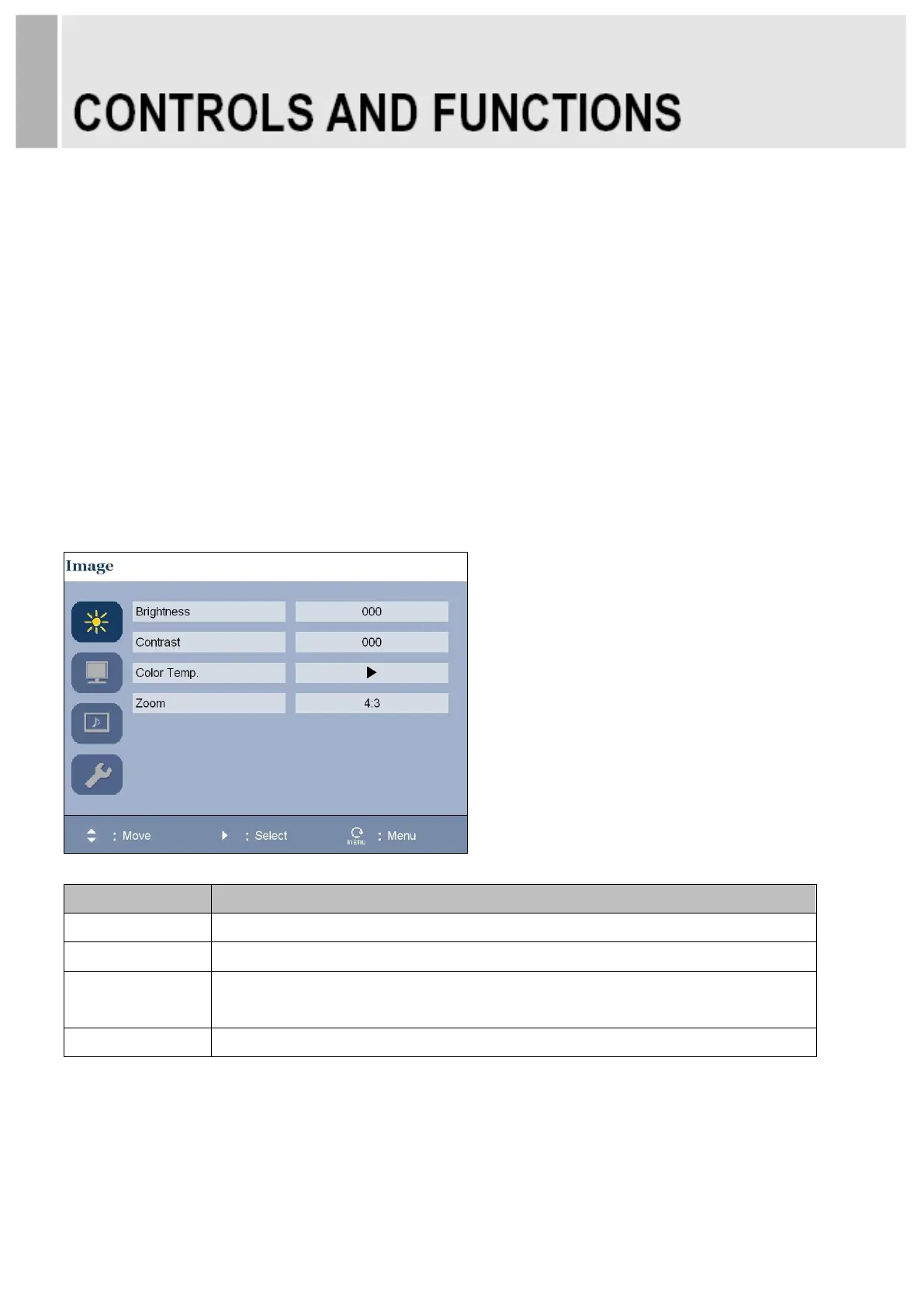
All picture, sound settings and setup for the monitor can be adjusted in the OSD menu.
(On Screen Display)
To adjust the OSD screen:
1. Press the Menu button to enter the OSD menu.
2. Press the ▲/▼ buttons to select the desired option. The selected option is highlighted.
3. Press the ▶ button to enter the submenu for adjusting items.
4. Change the value you wish to adjust by using the ▲/▼ buttons.
5. Press the ◀ button to exit the submenu for adjusting items.
6. Press the Menu button to exit the OSD menu.
A. PICTURE
Adjusts the color of the picture Choices are Warm, Normal, Cool, and User
(Red , Green, and Blue).


 To Next Page