XMA Limited, VHQ, 7 Handley Page Way, Old Parkbury Lane, Colney Street, St. Albans, Hertfordshire AL2 2DQ
Tel: 01727 201 850 | Fax: 01727 201858 | Email: technical@viglen.co.uk| Web: www.xma.co.uk
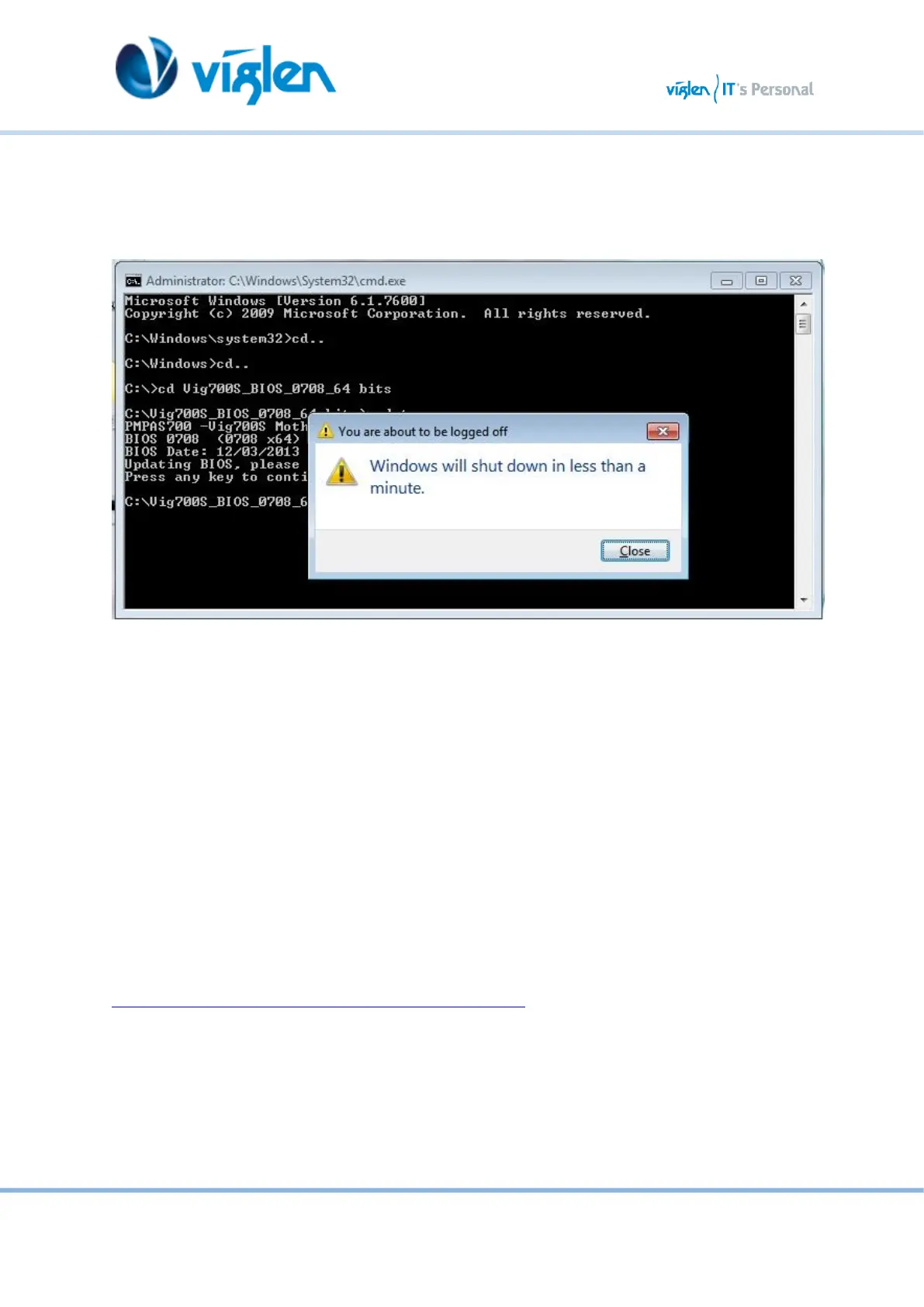
6. BIOS update process will start.
CAUTION!!! DO NOT POWER DOWN YOUR SYSTEM before the update is completed.
Figure 5
7. Once BIOS update is completed, pop up message will appear “Windows will shut down in less
than a minute”.
System will log off and restart after one minute.
8. During system re-boot, load BIOS setup menu by pressing < Del> or <F2> key.
9. Load Default BIOS settings by pressing <F5> key.
10. Press <F10> to save and exit.
Latest BIOS files and Utility are available from Viglen FTP site:
http://download.viglen.co.uk/files/Motherboards/Vig730S/



 To Next Page