Contact us at support@vikeri.tech
Getting Started(This tutorial is only a tutorial for recording
video in motion detection mode)
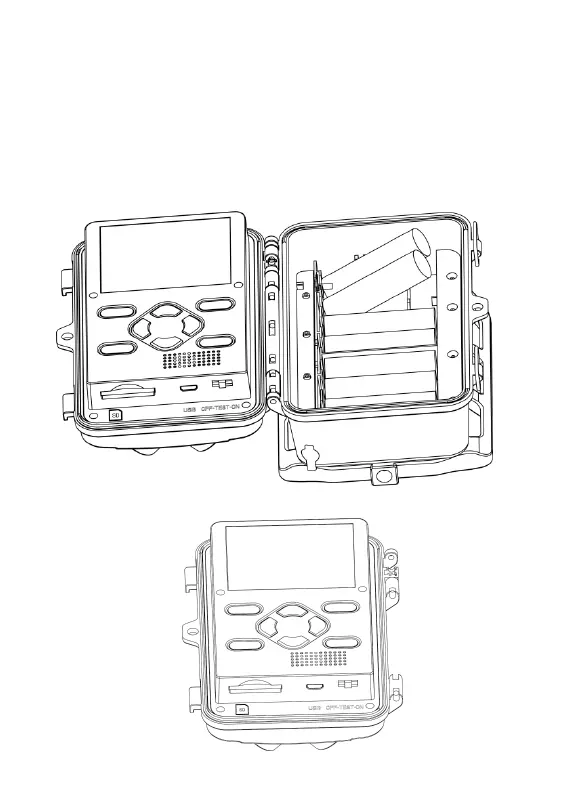
1) Open the camera by unlocking two side locks.
2) Use your fingernails or any tool to open the battery cover. (Right side)
3) Place 4 alkaline AA batteries come with the camera into the slot.
4) We have installed the 32 GB SD card into the memory card slot.
5) Turn 4K on to test mode. (Power switch from left to mid, not right side)


 To Next Page