22
E
Operation
Sensor Cook
You can cook many foods by touching the Sensor Cook pad and the
food number. You don’t need to calculate cooking time or power level.
• Ground Meat
1. Touch Sensor Cook pad and number
1.
2. Touch START/Add-A-Minute pad.
When the sensor detects the vapor emitted from the food, remainder of
cooking time will appear.
NOTE:
• SensorCookcanbeprogrammedwithMoreorLessTimeAdjust-
ment.Seepage30.
• Thenalresultwillvaryaccordingtothefoodcondition(e.g.initial
temperature,shape,quality).Checkfoodfortemperatureafter
heating.Ifadditionaltimeisneeded,continuetoheatmanually.
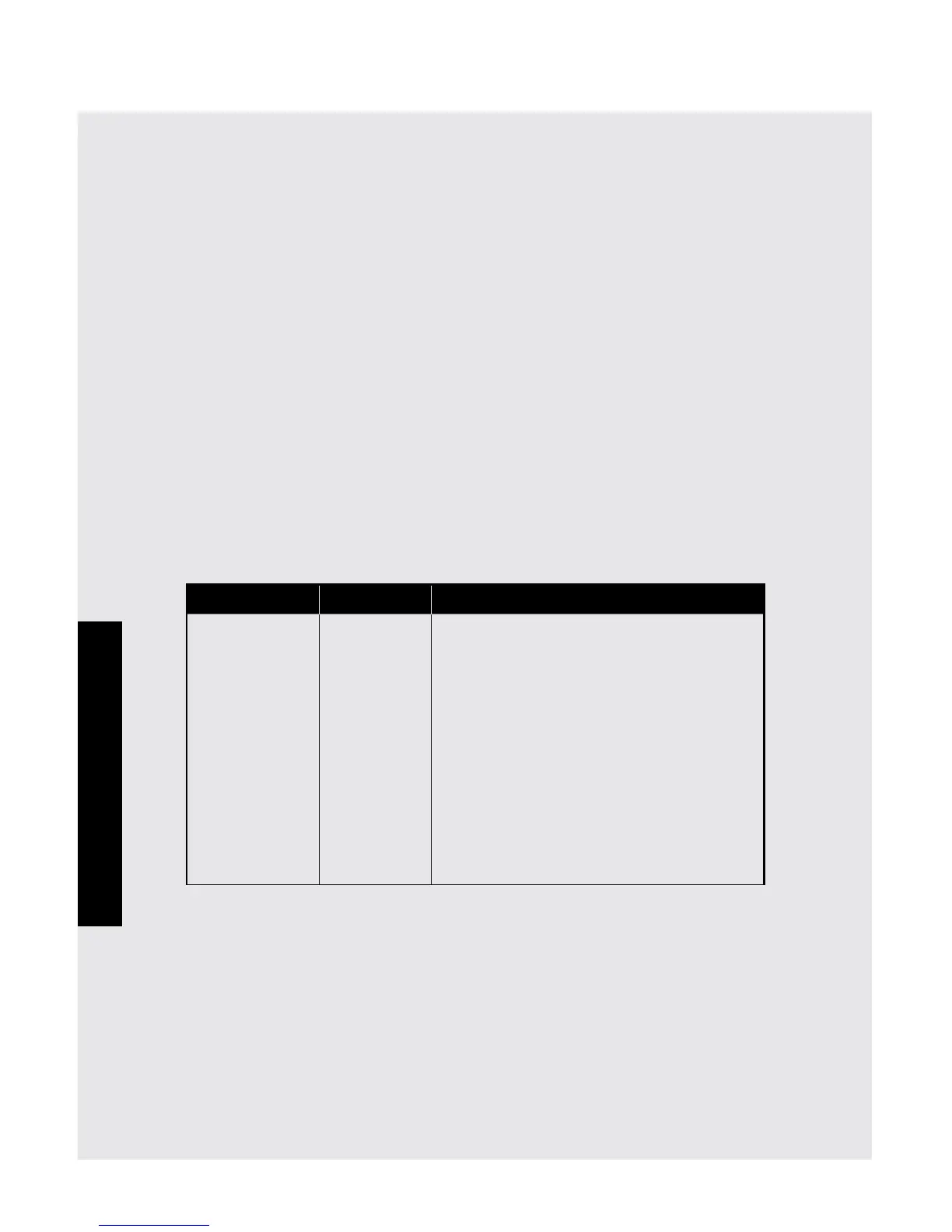
Sensor Cook Chart
Food Amount Procedure
Ground Meat .25 - 2.0 lb. Use this setting to cook ground beef
or turkey as patties or in a casserole
to be added to other ingredients.
Place patties on a microwave-safe
rack and cover with wax paper. Place
ground meat in a casserole and cover
with wax paper or plastic wrap. When
microwave stops, turn patties over or
stir meat in casserole to break up large
pieces. Re-cover and touch START/
Add-A-Minute. After cooking, let
stand, covered, for 2 to 3 minutes.
Control Panel and Settings


 To Next Page