English
18
Basic Operation
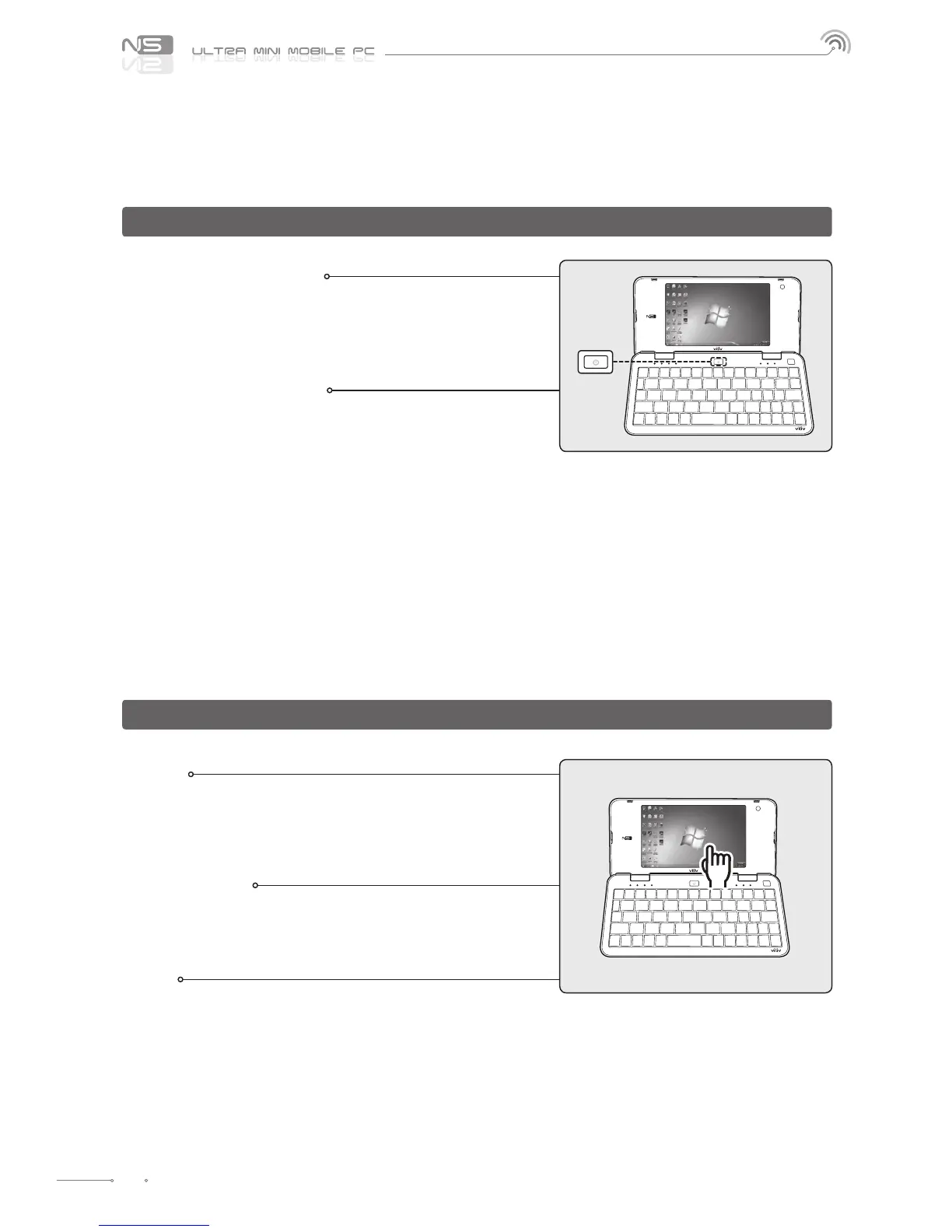
Turning the Power On
Depress the power button for about two seconds to turn
on the power.
The LCD screen turns on and the main screen is displayed. Z
Turning the Power O
Use the Shutdown menu in the Start Menu to turn o
the device while Windows is running.
If the system locks up while using the device, depress
the power button on the left for a long duration while
the device is on to turn the power o.
Avoid turning o by using the button as the working les Z
may not be saved.
Turning o the power with the button works depending Z
on the power option conguration of Windows.
Touch
Touch the desired location on LCD screen.
Touching one location for a long time has the same eect as Z
a right click.
Double Touch
It has the same eect as a double-click of a PC mouse.
Touch the desired location twice consecutively.
Drag
Touch the desired location, move to the desired location
while holding the nger on the screen, and release at
the nal destination.
It has the same eect as the drag function with a PC mouse. Z
Turning the Power On/O
Touch Screen



 To Next Page