EasyManua.ls Logo

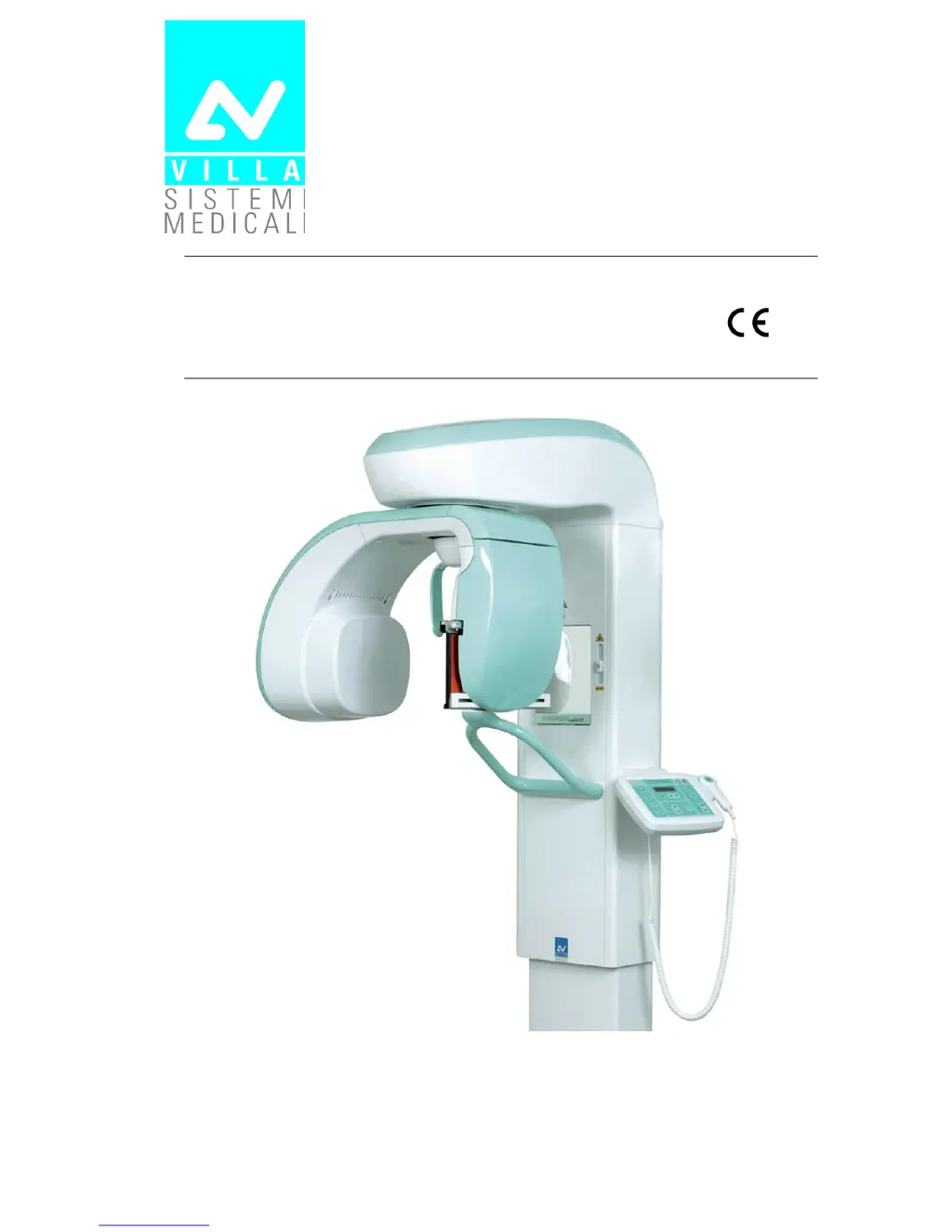
Villa Rotograph EVO - Service Manual

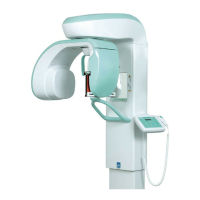
Villa Rotograph EVO
223 pages
Print Icon
To Next Page IconTo Next Page
Loading...
Release 14 September 2011 (Rev. 1)
Rotograph EVO 0051
Service Manual

Table of Contents

Questions and Answers

  • M
    Michael RaymondAug 2, 2025
    How to fix H1 LED if it is ON on Villa Rotograph EVO Medical Equipment?
    • E
      Emma CarrilloAug 2, 2025
      If the H1 LED is ON in your Villa Medical Equipment, check fuses F1 and F2 on the Generator board. If they are not blown, check the line voltage to the board and to the unit. Replace the Generator board if line voltage is present and OK. If the fuses are blown, replace them with new ones respecting the value and types; perform a new exposure and check if they blow again. If they blow, check, on the Generator board, if V6 and/or V31 and V36 are short-circuited and in this case replace tubehead and Generator board. If not short circuited, replace the tubehead.
  • J
    Joshua RamirezAug 6, 2025
    What to do if H4 LED is OFF on Villa Rotograph EVO Medical Equipment?
    • E
      Elizabeth TaylorAug 6, 2025
      If the H4 LED is OFF on your Villa Medical Equipment, check that connector X53 of the board is well inserted. Power off the unit and power ON it again after a few seconds; if the LED glows again (it may take some seconds), replace the Generator CPU board and then the Generator board.
  • J
    Jennifer SimpsonAug 12, 2025
    What to do if H12 LED on CPU board A5 is OFF on my Villa Medical Equipment?
    • J
      jennifer08Aug 12, 2025
      If H12 LED on CPU board A5 of your Villa Medical Equipment is OFF, check fuse F1. If blown, replace it with a new one respecting the value and type. If it blows again, replace the CPU.
  • G
    Gregory FerrellAug 16, 2025
    What does it mean if H2 LED on CPU board A5 is ON in my Villa Medical Equipment?
    • S
      Sean HayesAug 16, 2025
      If the H2 LED on CPU board A5 of your Villa Medical Equipment is ON, verify that motor cables and zero position sensor cables are well inserted and not in short-circuit to ground.
  • A
    Ann BrownAug 21, 2025
    What to do if H4 LED on CPU board A5 is ON on my Villa Rotograph EVO?
    • M
      Mark MorganAug 21, 2025
      If the H4 LED on CPU board A5 of your Villa Medical Equipment is ON, verify that laser cables are well inserted and not in short-circuit to ground.
  • M
    Miguel SmithAug 27, 2025
    What does it mean if H3 LED on CPU board A5 is ON on Villa Rotograph EVO?
    • M
      Mrs. Patricia Allen DDSAug 27, 2025
      If the H3 LED on CPU board A5 is ON in your Villa Medical Equipment, replace the CPU.

Summary

Safety Information

2.1. General Warnings and Precautions

Important safety guidelines for operating the Rotograph EVO, including handling and general precautions.

2.1.1. Electromagnetic Emissions Compliance

Details on Rotograph EVO's compliance with electromagnetic emission standards (CISPR 11, IEC 61000).

2.1.2. Electromagnetic Immunity Standards

Information on Rotograph EVO's immunity to electromagnetic disturbances as per IEC 60601-1-2.

Description

3.1. Identification and Laser Labels

Overview of identification labels and laser labels on the Rotograph EVO unit.

3.2. Function, Models, and Versions

Description of the Rotograph EVO's capabilities, available models, and optional packages.

3.3. System Block Diagram

High-level overview of the Rotograph EVO's electrical system architecture and main blocks.

3.4. Control Panel Functions

Detailed explanation of the control panel layout, buttons, and their functions.

Technical Data

4.1. Applied Safety Regulations

List of safety standards and directives the Rotograph EVO complies with.

Pre-Installation

5.1. Electrical Setup Requirements

Guidelines for the electrical connection, power supply, and safety switch requirements.

Installation

Maintenance and Servicing

7.2. Verification and Centering Adjustment

Procedures for verifying and adjusting the alignment of the X-ray beam and centering devices.

7.3. Exposure Time Parameters Verification

Methods for verifying and calibrating exposure time parameters using service menus.

Troubleshooting

8.1. LED Indicators and Diagnostics

Explanation of LED statuses on the Generator and CPU boards for fault diagnosis.

8.2. System Messages and Error Codes

Guide to interpreting operational and error messages displayed by the unit.

8.3. Service Programs and Passwords

Overview of service programs accessible via passwords for system configuration and diagnostics.

8.4. Radiographic Film Defect Analysis

Identification and correction of common defects related to film processing and data input.

8.5. Panoramic Examination Problem Analysis

Detailed analysis of common issues affecting panoramic image quality and their causes.

Schematics and Drawings

Spare Parts

Villa Rotograph EVO Specifications

General IconGeneral
BrandVilla
ModelRotograph EVO
CategoryMedical Equipment
LanguageEnglish

Related product manuals