9
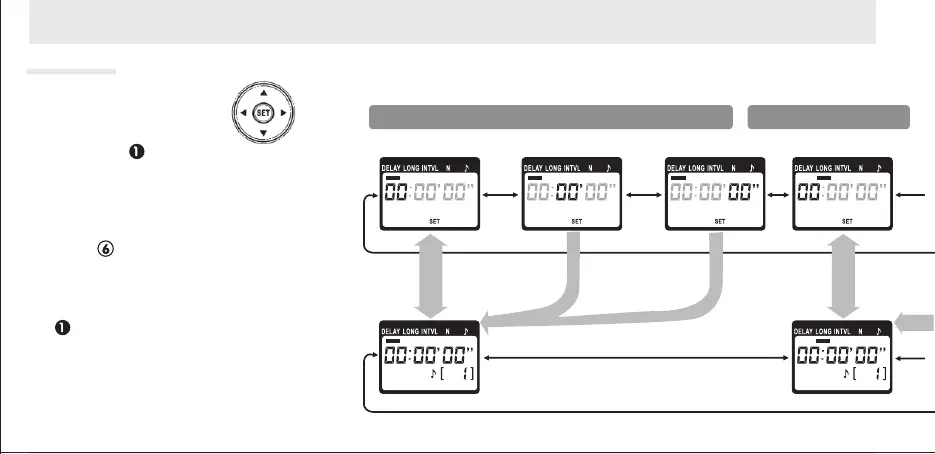
Use the arrow button to set the
timer. press left or right to select,
up or down to change. The curr-
ent selection is indicated by the
selection cursor( ).
Timed Photography (3/7)
Press ( ) at any time to complete the
operation and display the new settings for
the selected item. To view other settings, pr-
ess the arrow button left or right. The curre-
nt selection is indicated by the selection cur-
sor ( ). Press the button to edit the cu-
rrent setting as described above.
Adjust
settings
Setting
complete
Delay(time until shooting starts)
Hour Minute Second
Setting the timer
SET



 To Next Page