7
Connect the JY-710 and turn the camera
on.
Adjust camera settings as follows (see
the camera manual for details):
The JY-710 functions as:
Choose the delay (ti-
me before shooting starts), exposure
time, interval, and number of shots for
timed interval photography. Shutter
speed can be selected with the camera if
desired.
Take photographs ma-
nually using the shutter-release button
on the JY-710. Photographs can be tak-
en manually even when the timer is
running.
(manual)
Bulb
Off
(continuous-servo auto-
focus)* or
(manual)
(single frame)
* Select “release priority” if available.
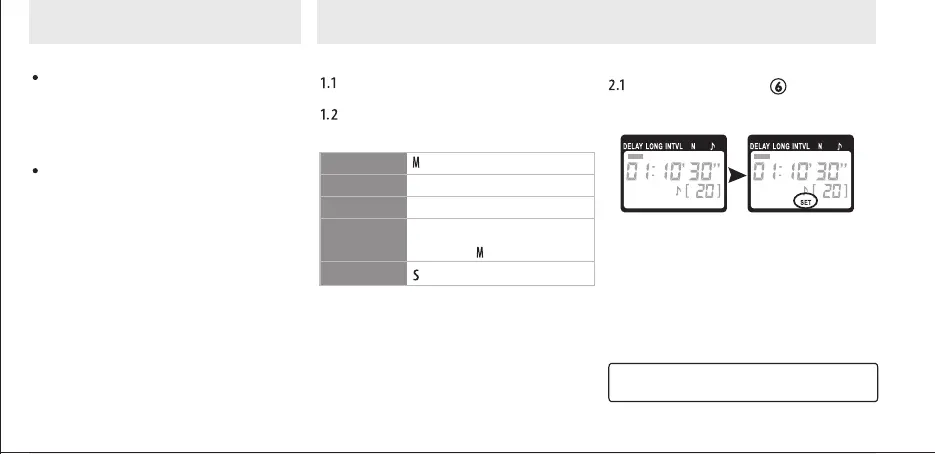
Press the button ( )." " will
flash in the display panel.
The JY-710 can be connected to the
camera after the timer has been set.
Menggunakan Produk
Timed Photography (1/7)
An automatic timer
A manual release
1. Adjust camera settings 2. Set the timers
SET SET
Exposure mode
Shutter speed
Interval timer
Focus mode
Continuous
AF-6


 To Next Page