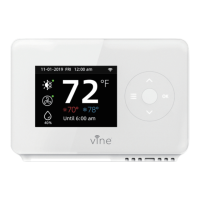
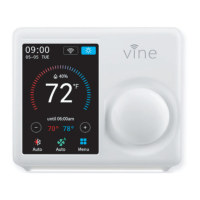
Vine App Setup
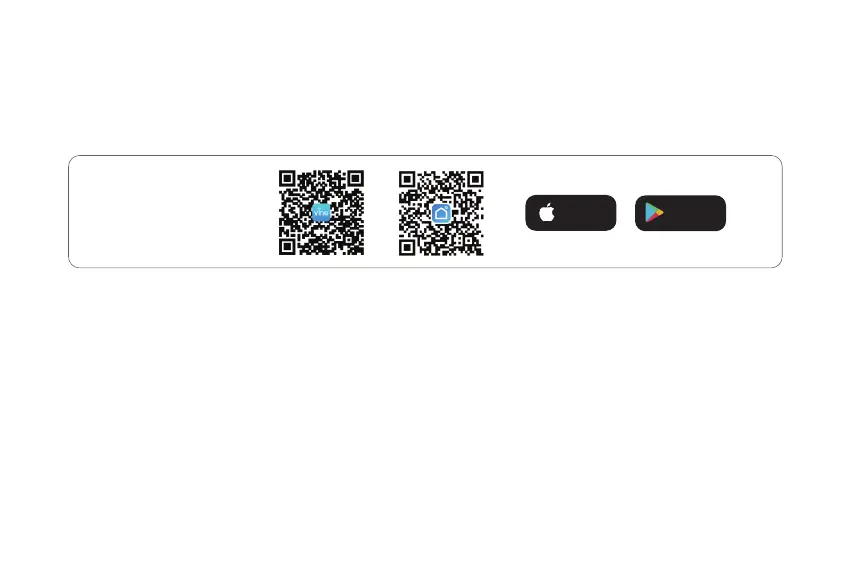
1. To download the "Vine Thermostat" or "Smart life" app, scan the QR code or search "Vine Thermostat" or
"Smart Life" in the Apple App Store or Google Play Store.
2. Open the "Vine Thermostat" or "Smart Life" app. If you already have an account, tap Sign In. To create a new
account, tap Sign Up.
Note: You must create your own Vine account to use third-party services and products. These will not work with a
guest account. With a Vine account, you can also allow your family and friends to control your smart thermostat.
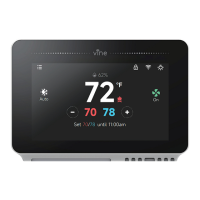
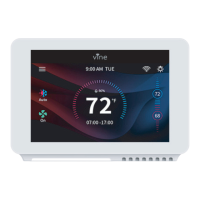
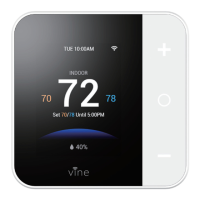
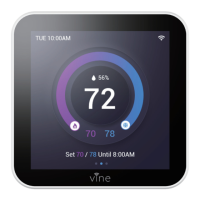
3. Tap + and select your smart thermostat.
4. Follow the in-app instructions to set up your smart thermostat.
Note: You can change the name and icon at any time by going to the smart thermostat screen and tapping. You
can use the Vine app to connect your smart thermostat to Amazon Alexa or Google Assistant.
iOS/Android
App Download
Download on the
APP Store
GET IT ON
Google Play
02
02


 To Next Page
 Loading...