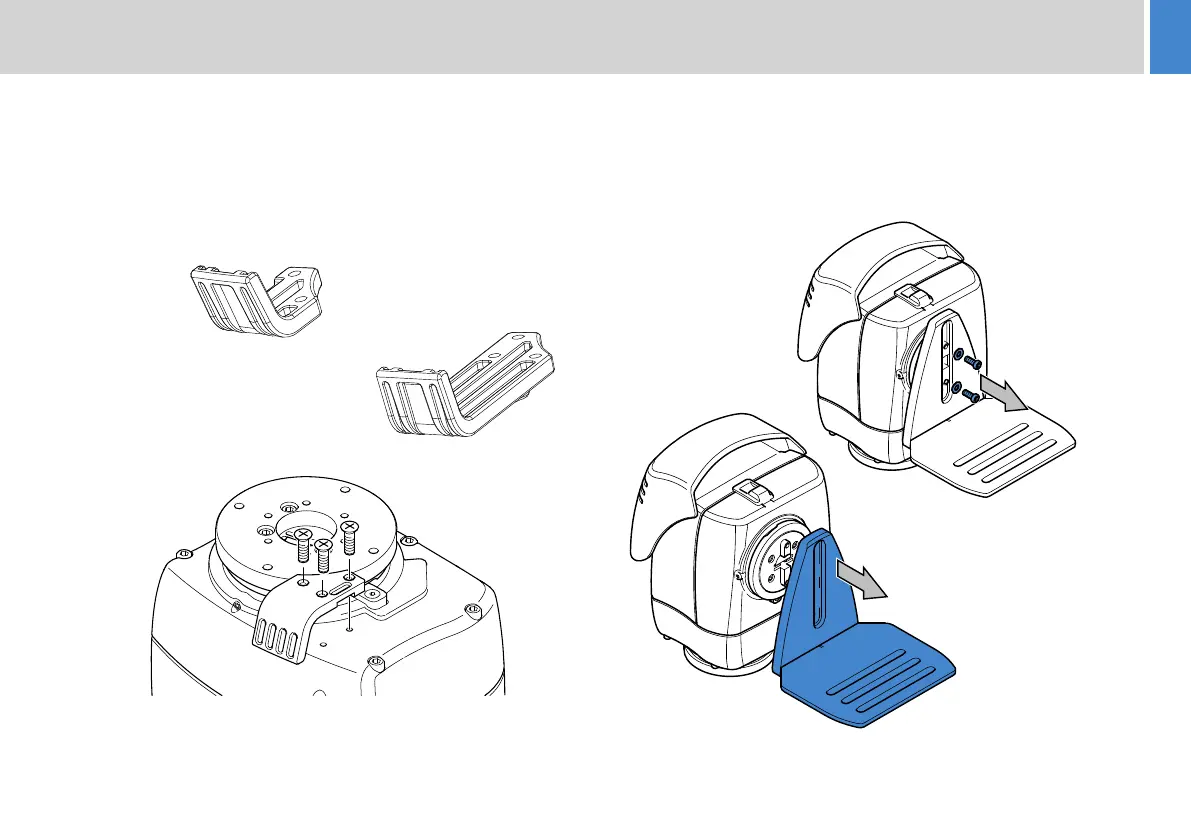
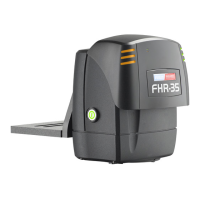
The FHR-35 is supplied with a cable management bracket fitted
to the base. Camera and head connecting cables can be neatly
secured to the bracket providing strain relief for the connectors.
Depending on the camera and head setup, the larger cable
management bracket can be fitted.
7
The first step in installing the head is to set the mechanical
hard stops to limit the movement of the head about the pan and
tilt axes. To set these limits, the camera cradle must be
removed.
1. Using a 4 mm Allen
key, remove the two
screws and washers
securing the camera
cradle.
2. Pull the camera
cradle away from
the tilt mounting
plate.
V4096-2082
V4096-2075
Supplied fitted
to the head
FHR-35 Robotic Pan and Tilt HeadFHR-35 Robotic Pan and Tilt Head
Installation
Cable Management Brackets Removing the Camera Cradle







 To Next Page