17
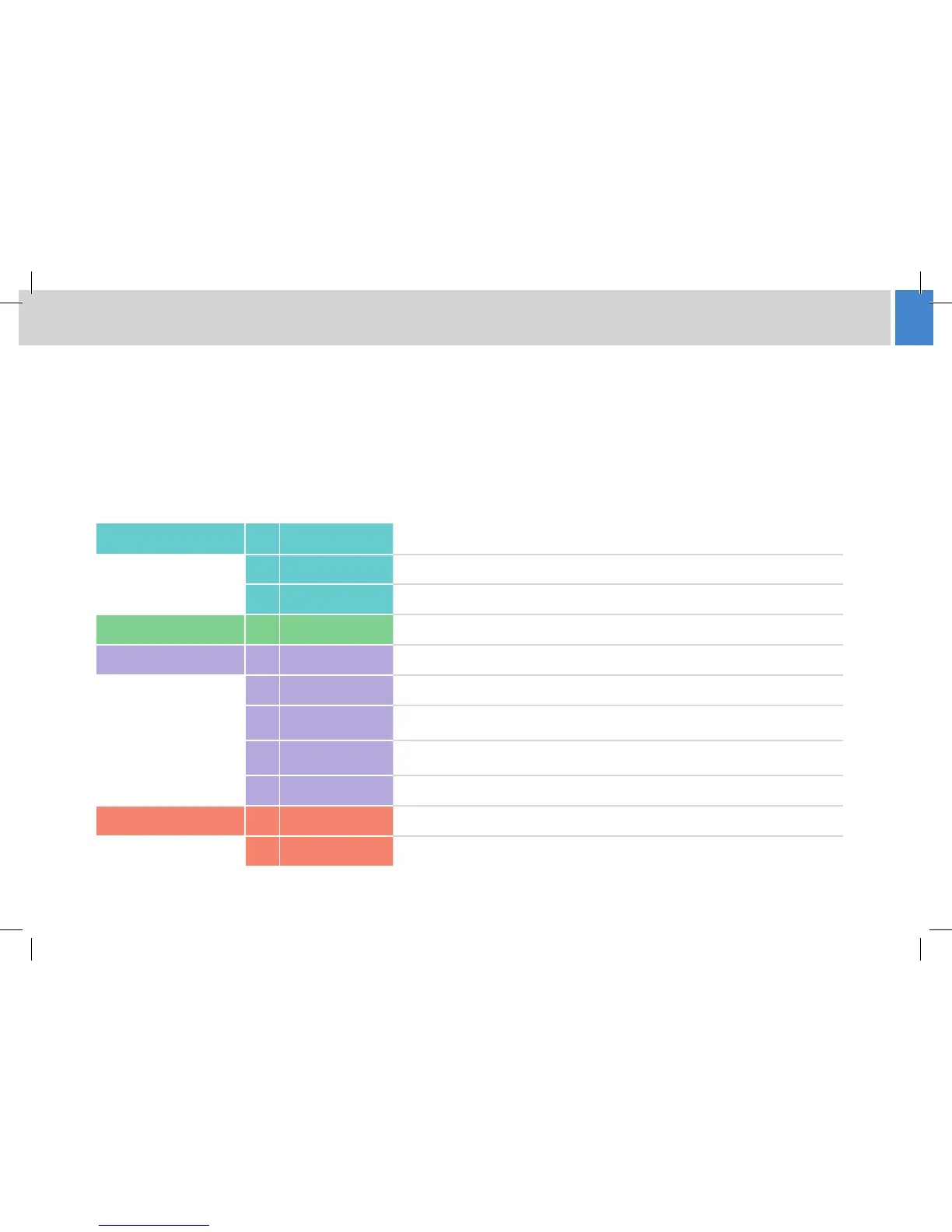
Motion Control Buttons 1 Cut Moves to the next selected shot in the fastest possible time
2 Fade Moves to the next selected shot in the selected time
3
Stop Stops all camera movement
Camera Buttons 4 Camera Selection Selects the camera to control (up to 16 selections)
Function Buttons 5 Wash/wipe (Optional) - activates a lens wiper on an outside camera
6 Joystick enable Enables X/Y pedestal movement (prevents accidental movement when o)
7 Pan follow
When enabled, controlling the Y axis causes the pedestal to travel forwards and
backwards in the direction that the camera is pointing
8 X4
Disables zoom proportional mode - with X4 enabled, pan and tilt movements are
more sensitive when zoomed in
9 Panel disable Locks all other controls on the panel to prevent accidental operation
Indications 10 On air Indicates that the panel is controlling live cameras when illuminated
11 Tally indicators Indicators show which camera’s video signal is currently live on air
Using the HD-VRC System



 To Next Page