16
Using the HD-VRC System
Joystick Control Panel Buttons
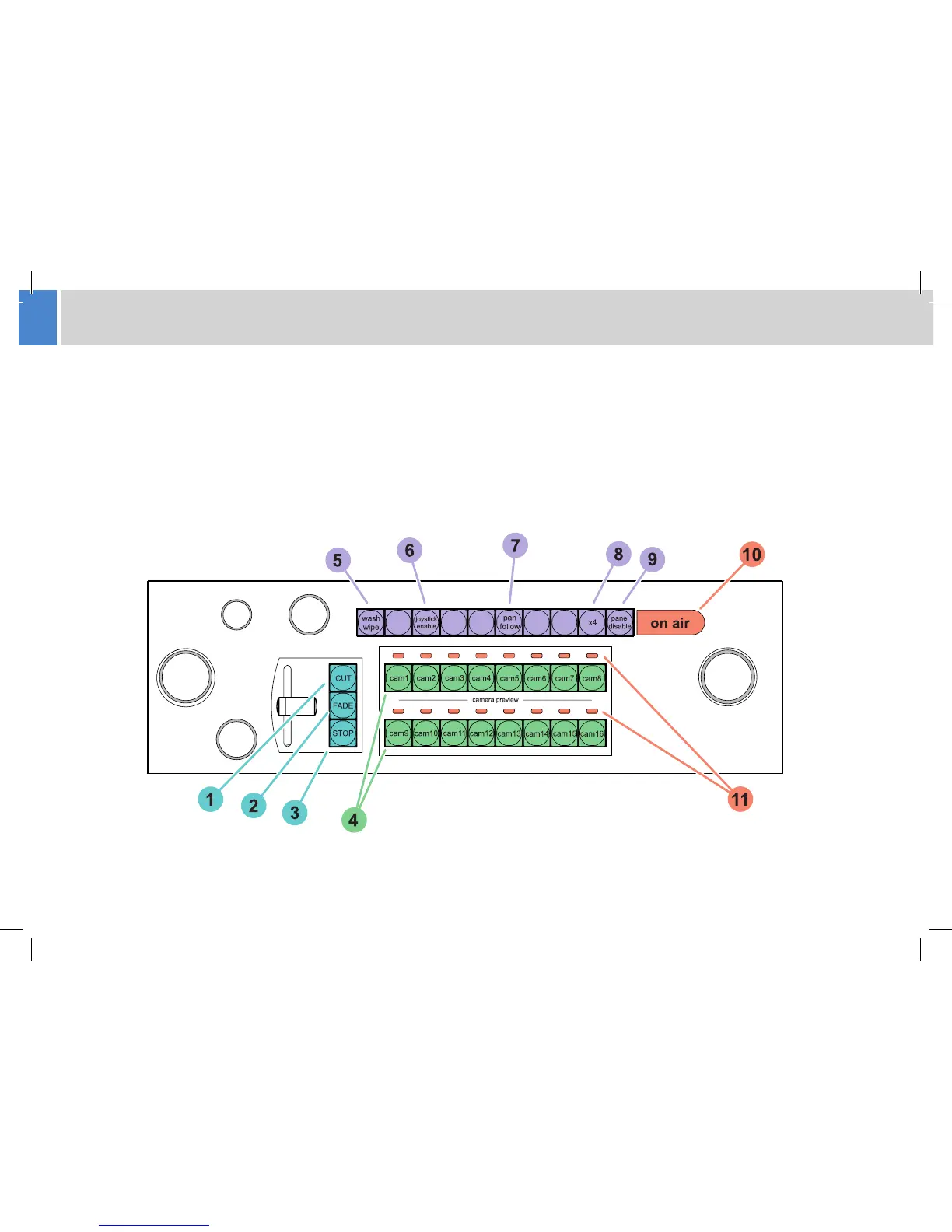
The joystick control panel has a selection of useful short cut buttons which duplicate features and functions available on the touch-screen display.
The buttons provide quick access to functions when the operator is using the panel to control cameras.
This guide details the use of all control panel variations, and therefore some functions may not be present on your control panel. If a button or
control described in the text or illustrations is not present on your control panel, then your model does not support that function. It is also possible
that during installation the functionality of the system function buttons has been customised, aecting functions available and their precise location
on the panel.
Using the HD-VRC System



 To Next Page