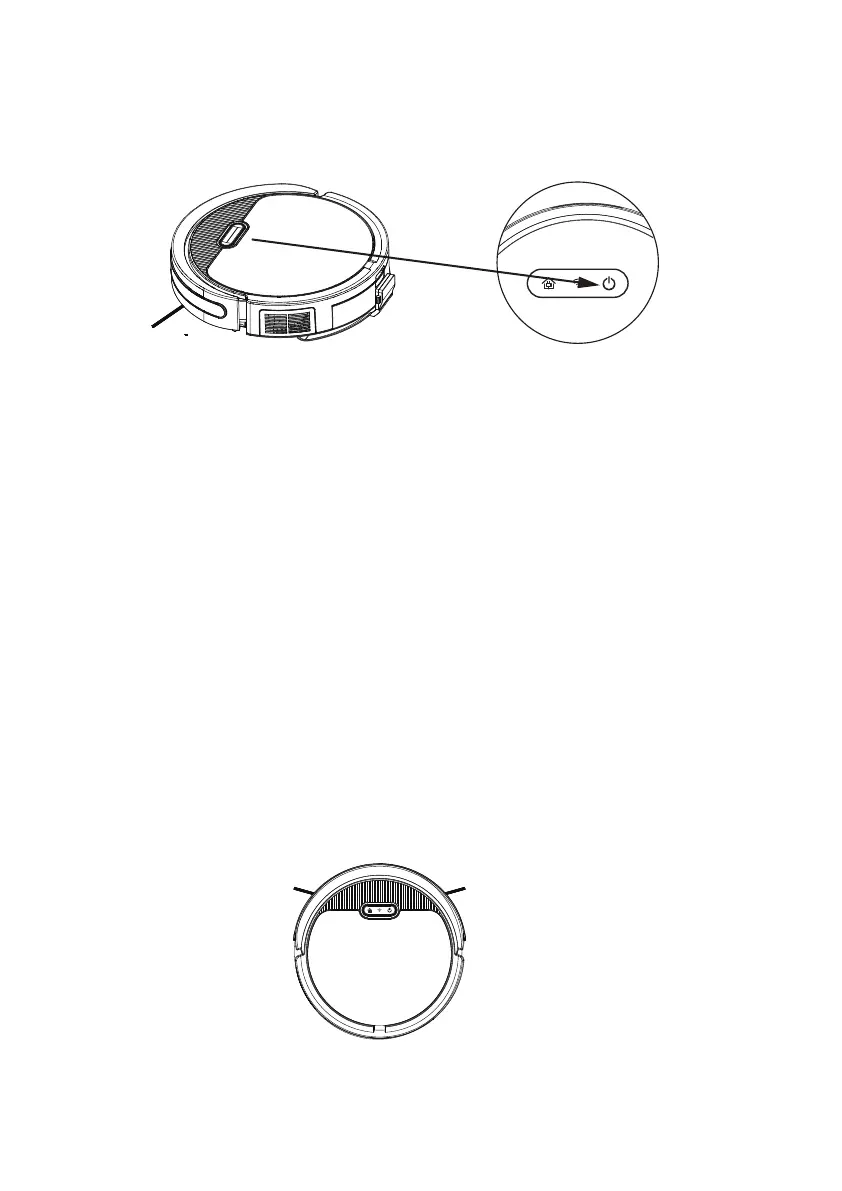
1.Power on/off
2.Standby
5.3 Working state
12
The machine is in standby mode and both LEDs are on at the same time.
State change:
1. A. lf the machine connected WiFi/app already, it will automatically shutdown after 5 mins
without any operation of machine.
B. If the machine haven't connect WiFi/app, it will automatically shutdown after 30 mins
without any operation of machine.
2. Short press the auto button once, the buzzer will sound once, and theautomatic cleaning
mode will be entered after a delay of 3S.
3. Press the "spot cleaning" button for a short time, the buzzer will sound and enter the spot
cleaning cleaning mode.
4. Press and hold the auto button for 3 seconds, the buzzer will sound andthe machine will
shut down.
5. Plug in the charger and the buzzer will sound and enter charging mode.



 To Next Page