2
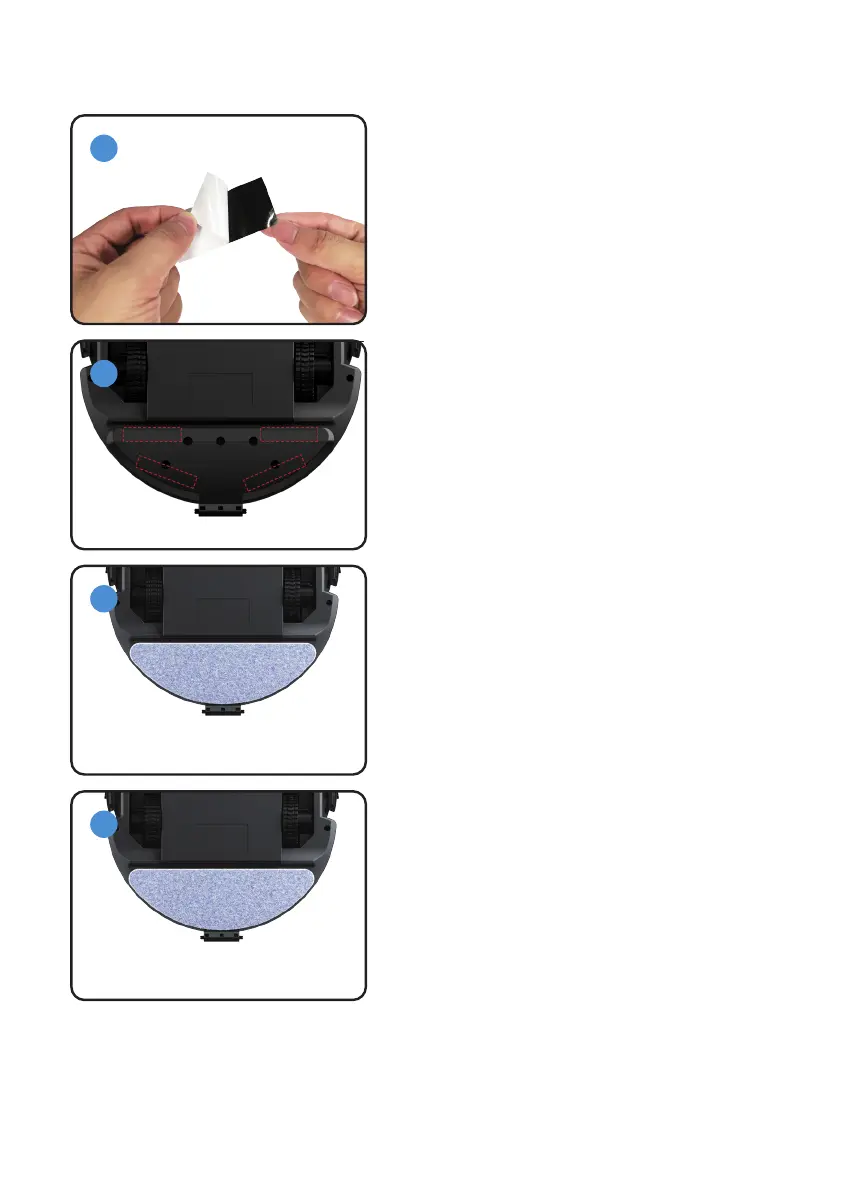
6. Mop Install Manual
15
1
3
4
1: Ensure that the designated area is free from any
water or dust.
2: Attach two Velcro strips onto the back of the
robot, aligning them as shown in the accompanying
picture.
1: Attach the mop to the Velcro.
2: The mop can be reused after washing it.
1: Do not over-wet the mop to prevent water stains.
1: Position the robot with its back facing upwards.
2: Tear apart the Velcro strip.
Note: Before mopping, please wet the mop.



 To Next Page