7.Charging mode
Connect the adapter to the charging dock, making sure that the robot is properly placed on the dock.
You'll hear a beep or voice prompt to confirm that the charging has started.
The power indicator light will blink while charging, and will stay on once fully charged.
Once fully charged, connecting the adapter won't cause the power indicator light to blink.
If you press the "Auto" button while charging, you'll hear a beep or a voice prompt, and the robot
will stop charging to start automatic cleaning.
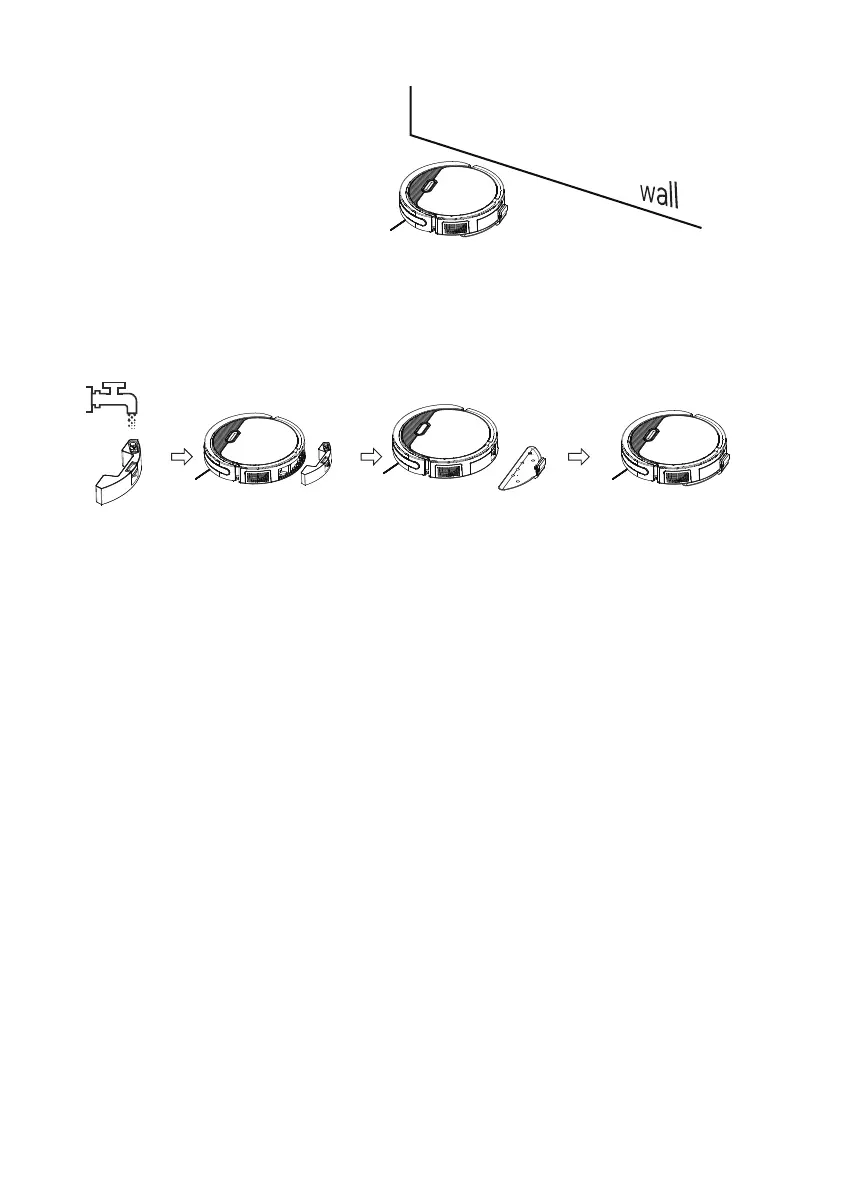
5.Edging mode
Robot will start cleaning along the wall.
6.Mopping mode
Fill the water tank with water, place it at the rear of the machine, install a mop and mop plate to access
the mopping function.
14
Note:When in charging, robot can not be turned off.



 To Next Page