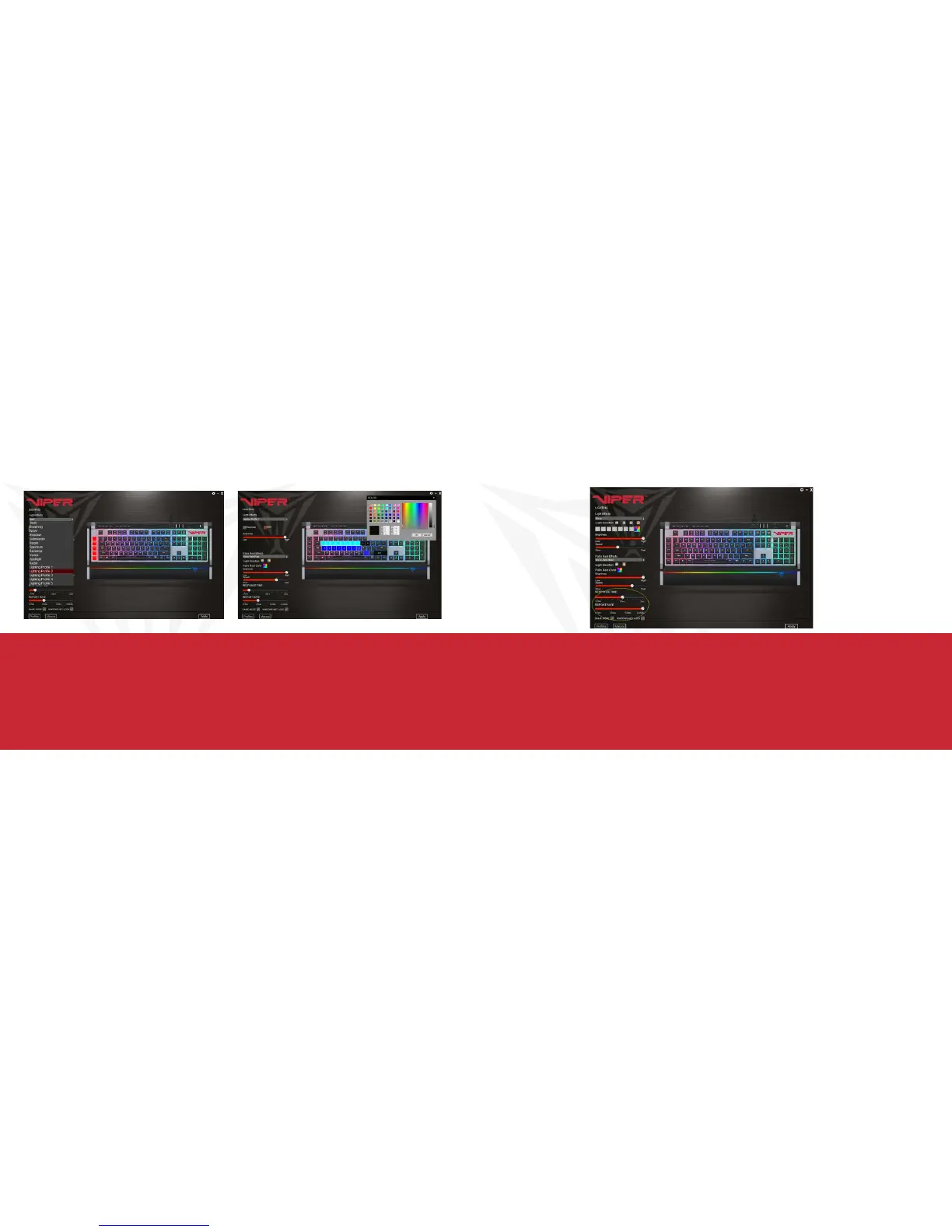
CUSTOM LIGHTING PROFILES
You may create custom lighting profiles by selecting one of the five Lighting Profiles from the drop down menu in
Light Effects.
Check the box next to DIY to access custom color mode.
Select a key or select a group of keys and choose a color from the color pallet. Click OK, then Apply to change and
save the key colors
RESPONSE TIME AND REPORT RATE
You may adjust the response time and report rate for the keyboard from the main menu. A lower response time will
decrease reaction time, while a higher report rate will increase the frequency the keyboard communicates with the
computer, decreasing reaction time.


 To Next Page