MACROS
You may create and save 32 different macro scripts, of 47 characters in length
that can be assigned to any key (except the Windows® key) of the keyboard.
The V770 has five additional dedicated macro keys for convenience.
Creating a macro-
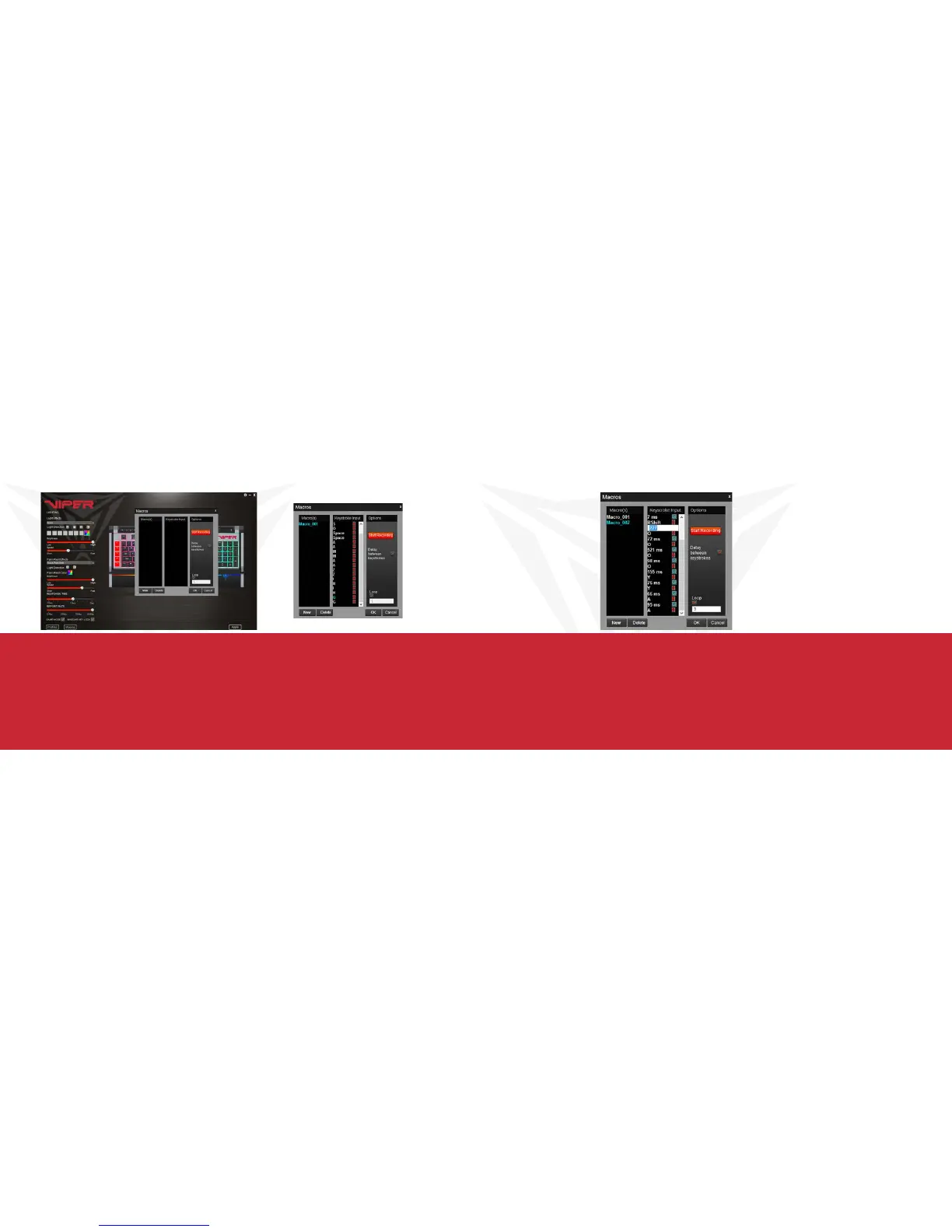
Click on the Macros button from the main menu to open the macro editor.
Click New to create a new macro. Double click on the macro to rename it.
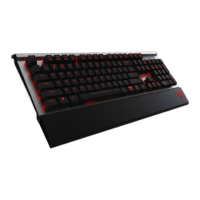
Click Start Recording to create your macro script. You may create
scripts up to 47 characters long.
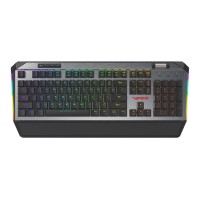
Delay between keystrokes – You may add delays between script keystrokes by
checking the box next to Delay between keystrokes. Once you stop recording,
you may edit delay time manually by double clicking on it.
Loop – By checking the box under Loop, you may assign the number of times a
macro script runs when you press macro key.
Saving a Macro
Once you have recorded a macro script, click OK to save and
exit the macro editor.
Deleting a Macro
Open the macro editor, and select a macro from the macro list
and click Delete.


 To Next Page