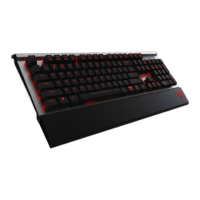
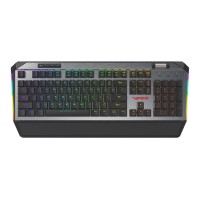
BACKLIGHT RECORDING MODES
Press FN+F12 for F1-F5 to enter a blinking
state in preparation to record a custom key
conguration. Once in this blinking state,
select any of the F1-F5 keys to assign a
conguration.
Press any key in recording mode to illuminate it,
making it part of your customized lighting prole.
I.e. if keys WASD were selected, WASD will be illu-
minated, indicating that these keys were recorded
and assigned to the selected “F” key.
When recording is complete, then press
FN+F12 again to save your customized
prole.
Repeat the previous steps as needed to
complete the recording of other customized
proles.
Press FN+F1 through F5 key to activate the
custom prole desired.
BACKLIGHT RECORDING MODES
Record and Save custom LED Proles


 To Next Page