Page 15 of 36
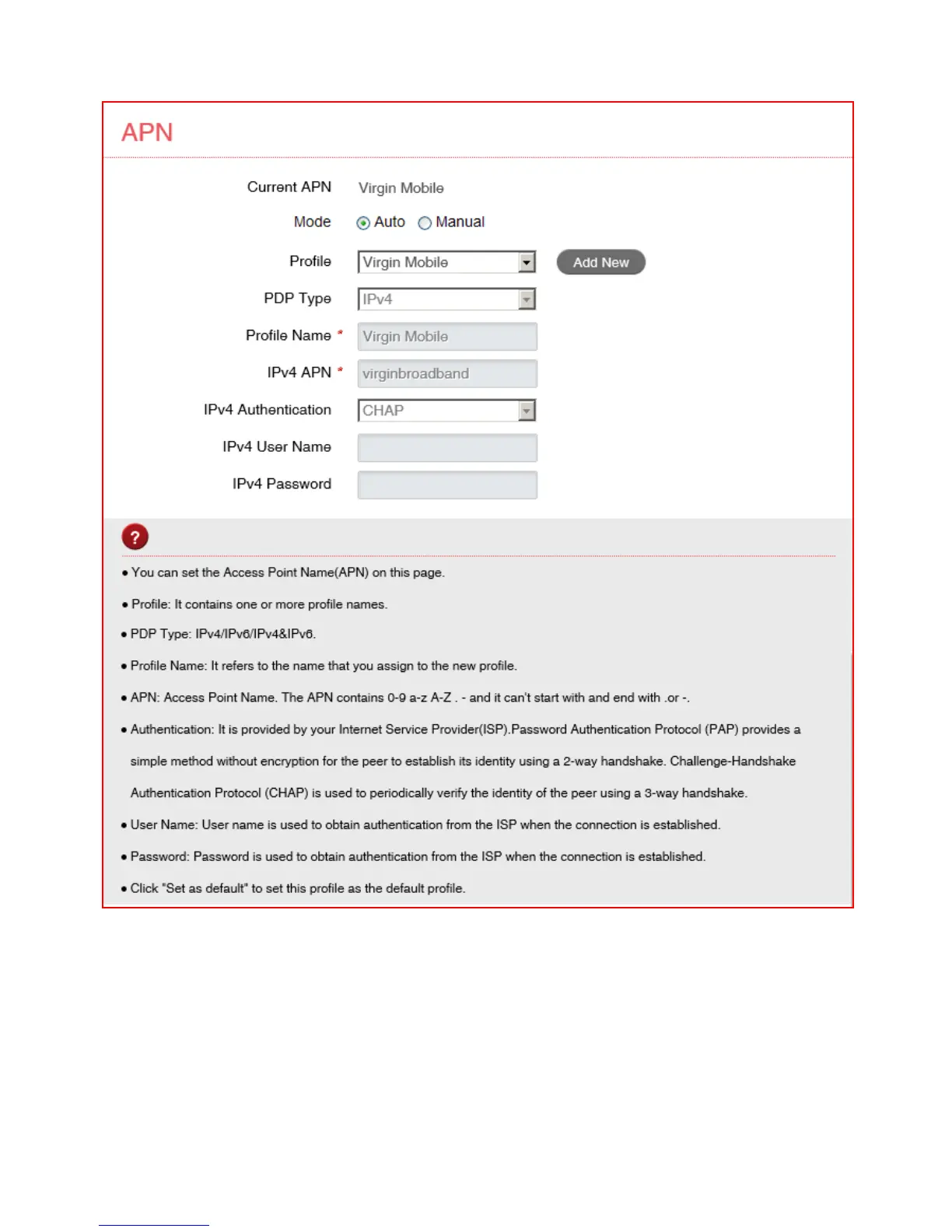
SETTINGS > APN:
• Press the Disconnect button on the home page to change this setting if required.
• In Auto mode the device will provision the correct APN based on your SIM card
and service provider.
• Press Add New to create a new APN
• Add the Profile Name, eg Virgin
• Enter the correct APN details eg virginbroadband
• Press Save to save your new APN
• Press the Profile drop down box
• Select the new APN profile



 To Next Page