EN
VirtuFit CTR 1.2i Crosstrainer
13
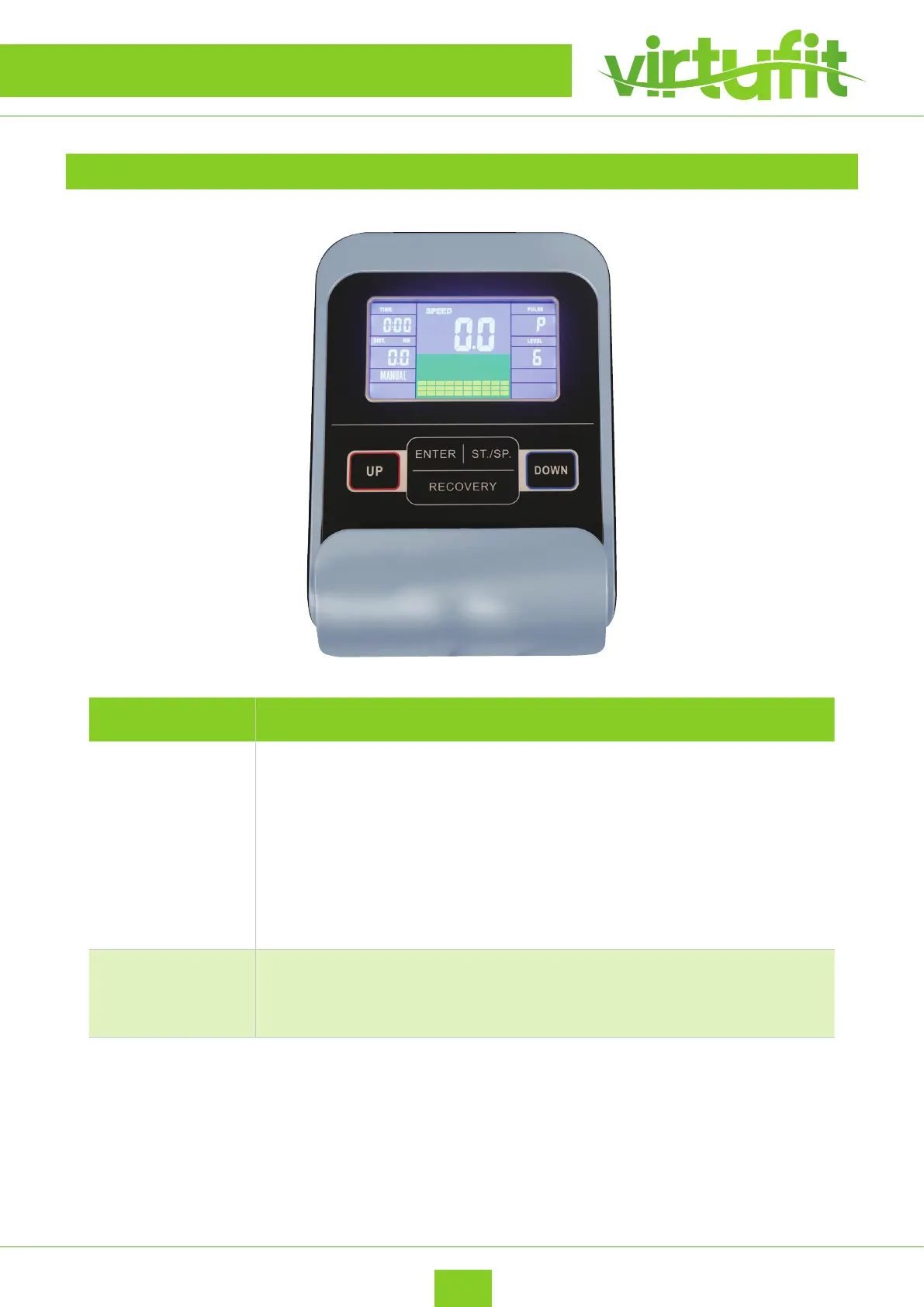
CONSOLE
BUTTON EXPLANATION
(1) ENTER
In “STOP” mode, press “ENTER” button to enter into program selection and
setting value which ash in related window.
• When you choose the program, press “ENTER”r to confirm the one you like.
During the start mode, press “ENTER” to choose display the speed or RPM, or
switch automatically.
• When in setting, press “ENTER” to confirm the value that you would like to
preset.
(2) START/
STOP
Press “START/STOP” button to start or stop the programs. During any mode,
hold down this button for 2 seconds to totally reset the computer.
CONTROL PANEL



 To Next Page