Note: Send function may vary from phone to phone. Please refer to you phone manual or contact your
phone manufacturer for further details.
Note: Some phones support multiple selections of contacts to be sent as business cards in one go.
Please select up to only 100 contacts to send each time.
Note: To send contacts via computer please download the instruction from http://www.viseeo.com/
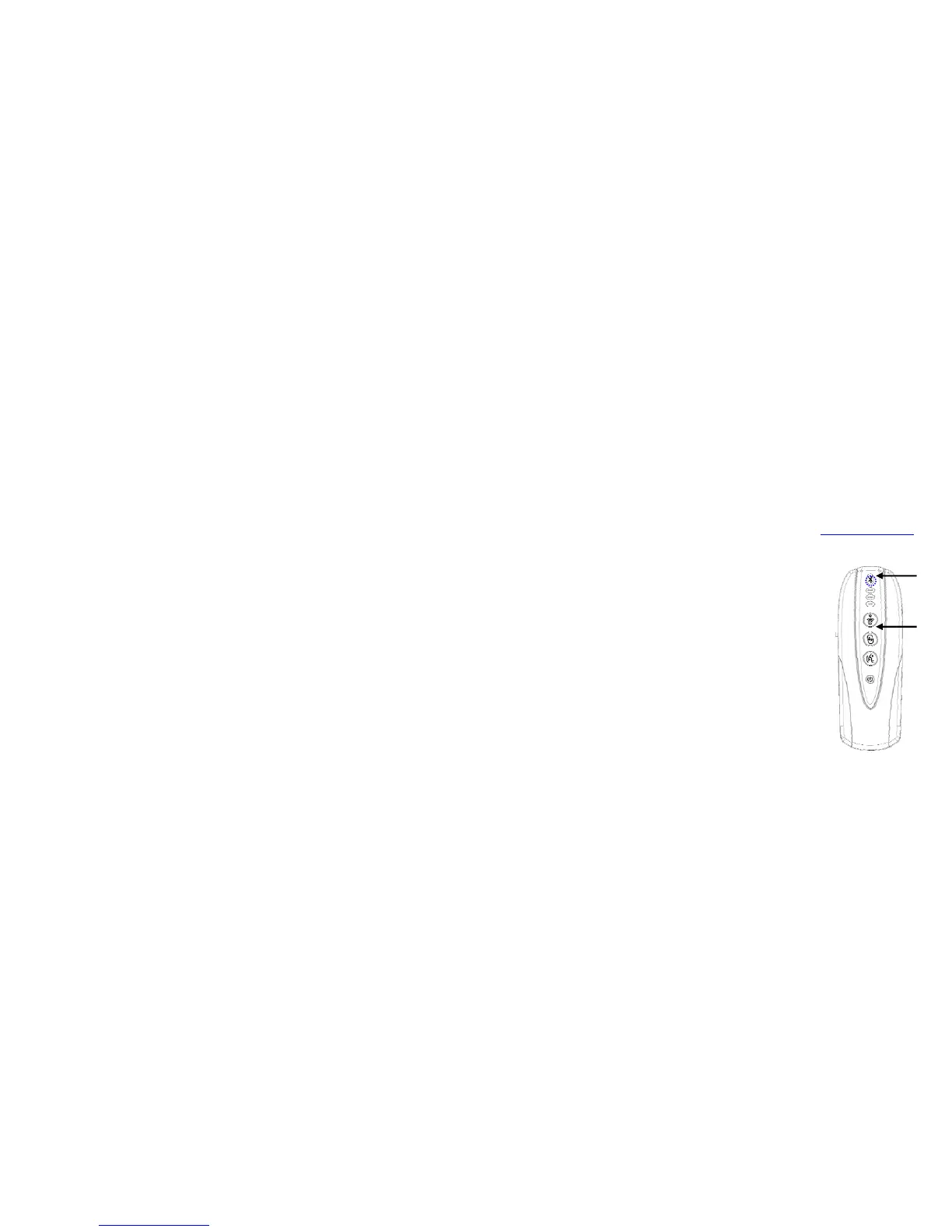
4. After you have sent all the desired contacts over to MB-2 press the power reset button to
exist OPP mode. Your phone should automatically reconnect with
MB-2 within a few seconds time (i.e. Bluetooth logo should light up
& VISEEO device name will appear on the screen).
5. Please wait for 5~10 seconds after the connection is re-established
before you access the phonebook on your car display using radio
keypads or steering wheel control pad. Please note the waiting time
can take up to 2-3 minutes on some phones.
e
f


 To Next Page