13. Special Note on Car Compatibility
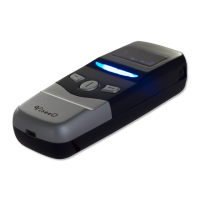
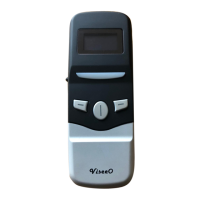
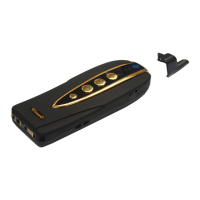
In order to use MB-2 you must ensure you car is equipped with UHI/MHI (US version of UHI)
connector. This connector is usually located in the tray under the front armrest. W204 type of
vehicles also comes with UHI/MHI but the system works in a different logic therefore, require
special attention. You can find out further information in the later chapter “Special Note on
W204 Vehicle” of this manual.
If your Mercedes Benz has pre-installed Nokia system with fixed cradle you are very likely to
require ViseeO MBU-1000 for Bluetooth upgrade. Please contact your ViseeO dealer for further
information or write to us at sales@viseeo.com
if you are not sure what system you have in
your car.
14. Special Note on W204 Vehicle (C-Class 2007+)
14.1 Software Switch
Mercedes Benz W204 vehicles (C-Class cars produced in 2007 and later) which comes with a
different type of UHI/MHI system that requires different type of software to work with.
Therefore, before inserting MB-2 into the W204’s UHI system you will need to switch to the
right software so MB-2 will work without any problem. To switch to the right software:
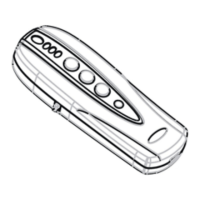
1. Remove the rubber from the software switch at the back of MB-2.


 To Next Page