4. Pairing
Once you install your MB-2 in your car, you need to pair it with your mobile
phone. To pair:
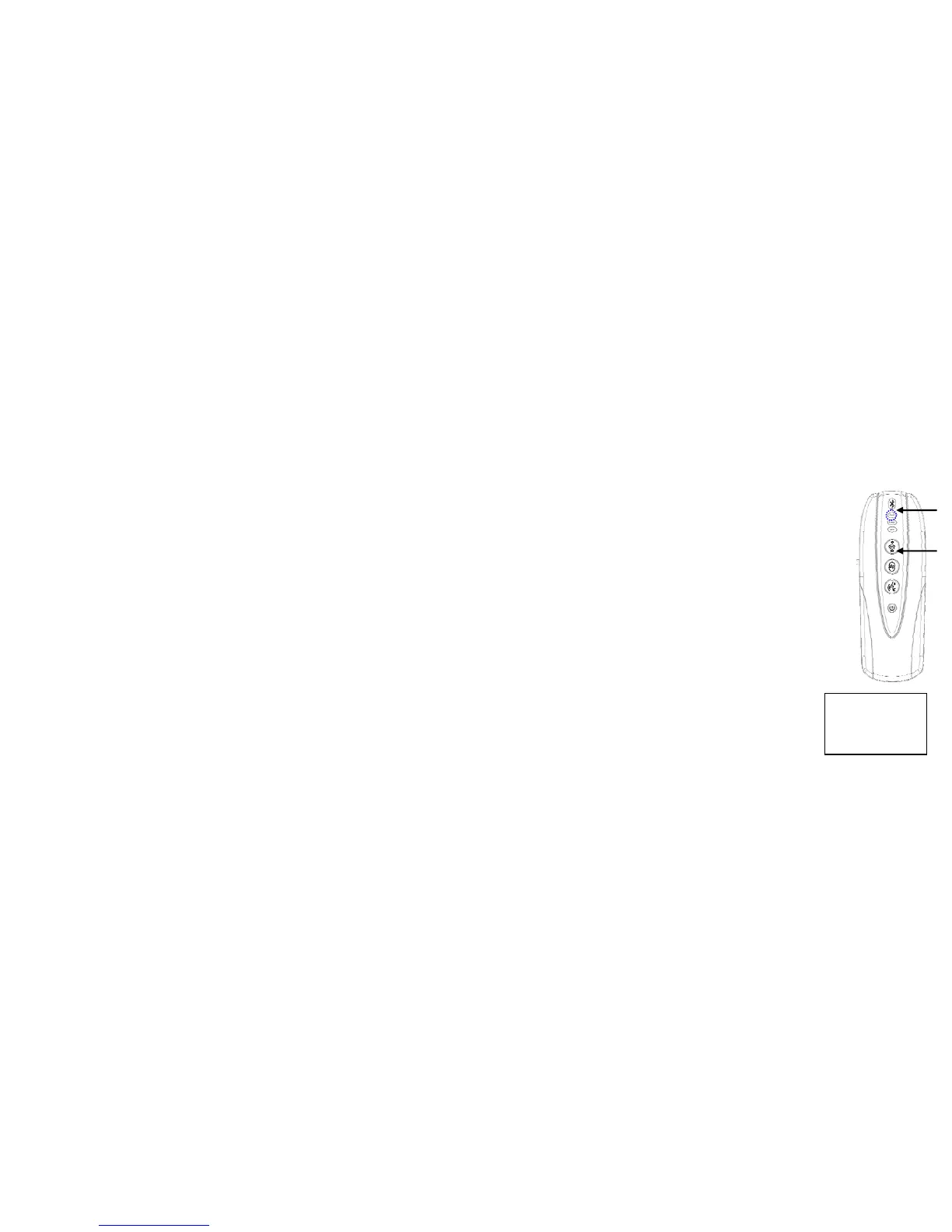
1. Press and hold the Pairing button until you see the white LED indicator
flashes. This indicates MB-2 is in Pairing Mode ready for pairing.
2. Turn on the Bluetooth on your mobile phone and search for audio
device to pair.
Note: The search time varies on different phones which can take a while before it
ends.
3. When your phone finishes search it will display a list of Bluetooth
devices nearby. Select “ViseeO” in the device list.
Note: Depending on your phone model you may require to set ViseeO MB-2 as the
“trusted device” in your phone. Please refer to your phone manual for
further information.
4. Enter 1234 when prompted a password request on your phone.
Note: Depending on your phone model you may need to perform extra
c
d
Enter Pass Code:
***4


 To Next Page