EasyManua.ls Logo

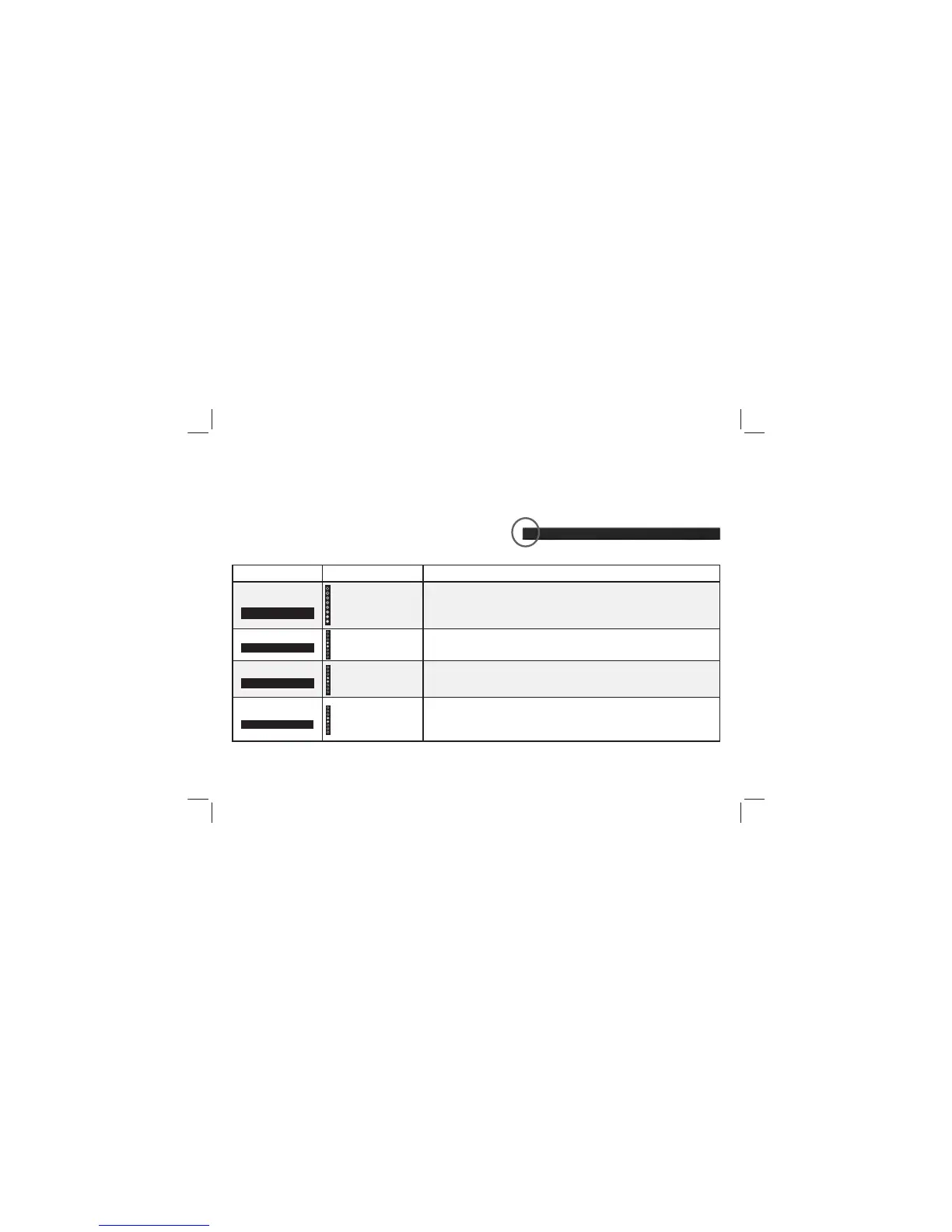
VISIO SB3651-E6 - LED Indicators

VISIO SB3651-E6
44 pages
Print Icon
To Next Page IconTo Next Page
To Previous Page IconTo Previous Page
Loading...

Function  Description
Bluetooth Pairing


Flash from Bottom


Press the Enter


Note:



Press the Next/Previous

Note:



Press the Next/Previous




indicate Dialogue
is centered.
Press the Next/Previous
center channel.

the bottom when the dialog presence is decreased.
Bass
Center
Press the Menu button and use the Up/Down Arrow


LED INDICATORS
LED Indicators are located here.





Related product manuals