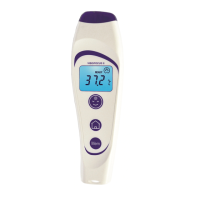
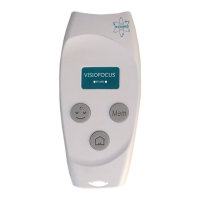
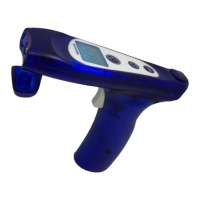
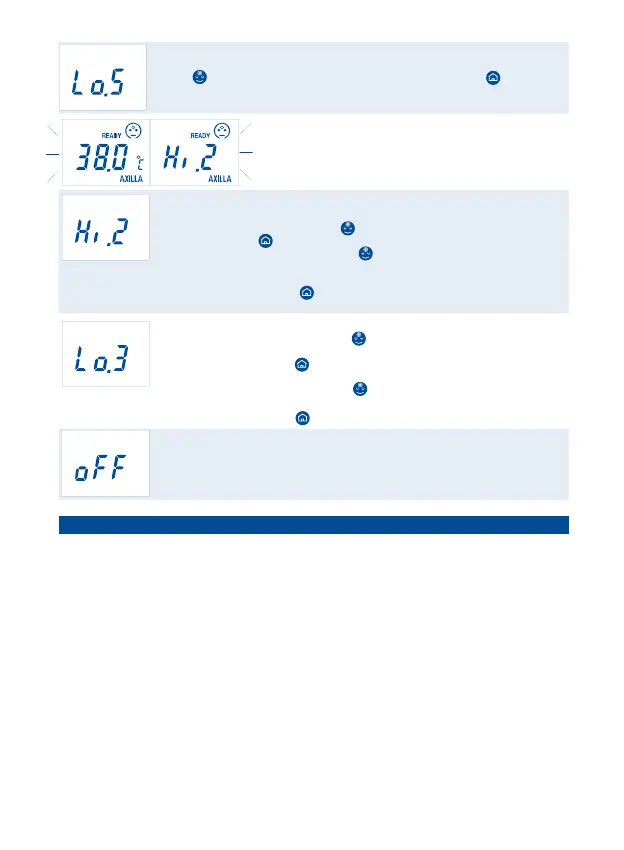
DESCRIPTION: the projection/display reads "Lo.5”.
PROBLEM: the room temperature is too low (below 10°C/50°F if you've pressed the
“FACE” button or below 5°C/41°F if you've pressed the “HOME” button).
SOLUTION: move to another, warmer room and, if you are taking the body
temperature, wait for the stabilization of the device and of the subject.
DESCRIPTION: the projection/display shows "Hi.2" and the
value alternately.
MEANING: ATTENTION! The temperature is above the level
alarm you’ve chosen (see par. 7).
DESCRIPTION: the projection/display reads "Hi.2".
PROBLEM: the temperature detected exceeds the limit for operation (>42.5°C /
>108.5ºF if you've pressed the “FACE” button or >80°C / >176°F if you've
pressed the “HOME” button).
SOLUTION: if you’ve pressed the “FACE” button: please make certain that you’ve
pressed the correct button, with regard to the measured object, and that the warnings
have been met.
If you’ve pressed the “HOME” button (DOCT mode): the temperature reading
cannot be taken (because it is too high).
DESCRIPTION: the projection/display reads "Lo.3".
PROBLEM: if you’ve pressed the “FACE” button: the forehead temperature appears
to be too low (<34.0°C or <93.2°F).
If you’ve pressed the “HOME” button (DOCT mode): the surface temperature read is
below the operating limit (<1°C/33.8°F).
SOLUTION: if you’ve pressed the “FACE” button: make certain the waveguide is not
soiled or damaged and that the subject has not come from a cold room.
If you’ve pressed the “HOME” button: the temperature reading cannot be taken.
DESCRIPTION: the display shows "off".
MEANING: the button that you've pressed is disabled when the device is set in NURS.
SOLUTION: if you want to enable it see par. 7.
12 - English -
10. TROUBLESHOOTING
The projection/display does not turn on: the batteries are completely dead or
incorrectly inserted; replace or reinsert them (par. #11).
The temperature is not projected between the two arches: the unit is not at the correct
distance; move the thermometer forward or back until the projected temperature falls
precisely between the two arches (fig. 6).
The projected temperature is not clearly visible: there is too much light in the room
or the batteries are low; cast a shadow over the subject or replace the batteries.
The sensor (fig. 1) is damaged or water has seeped into the thermometer: contact
your Dealer right away for technical service.
The thermometer temperature reading is too low:
- make certain that the conditions outlined in the warnings (par. #2) have been met;
- check that the waveguide (fig. 1) is not soiled or damaged; if it is, clean it as
indicated in par. #12 or contact your Dealer for technical service;
- check that the thermometer is perpendicular to the forehead as indicated in fig. 3.
The temperature reading is too high: make certain that the conditions outlined
1.
2.
3.
4.
5.
6.


 To Next Page
 Loading...