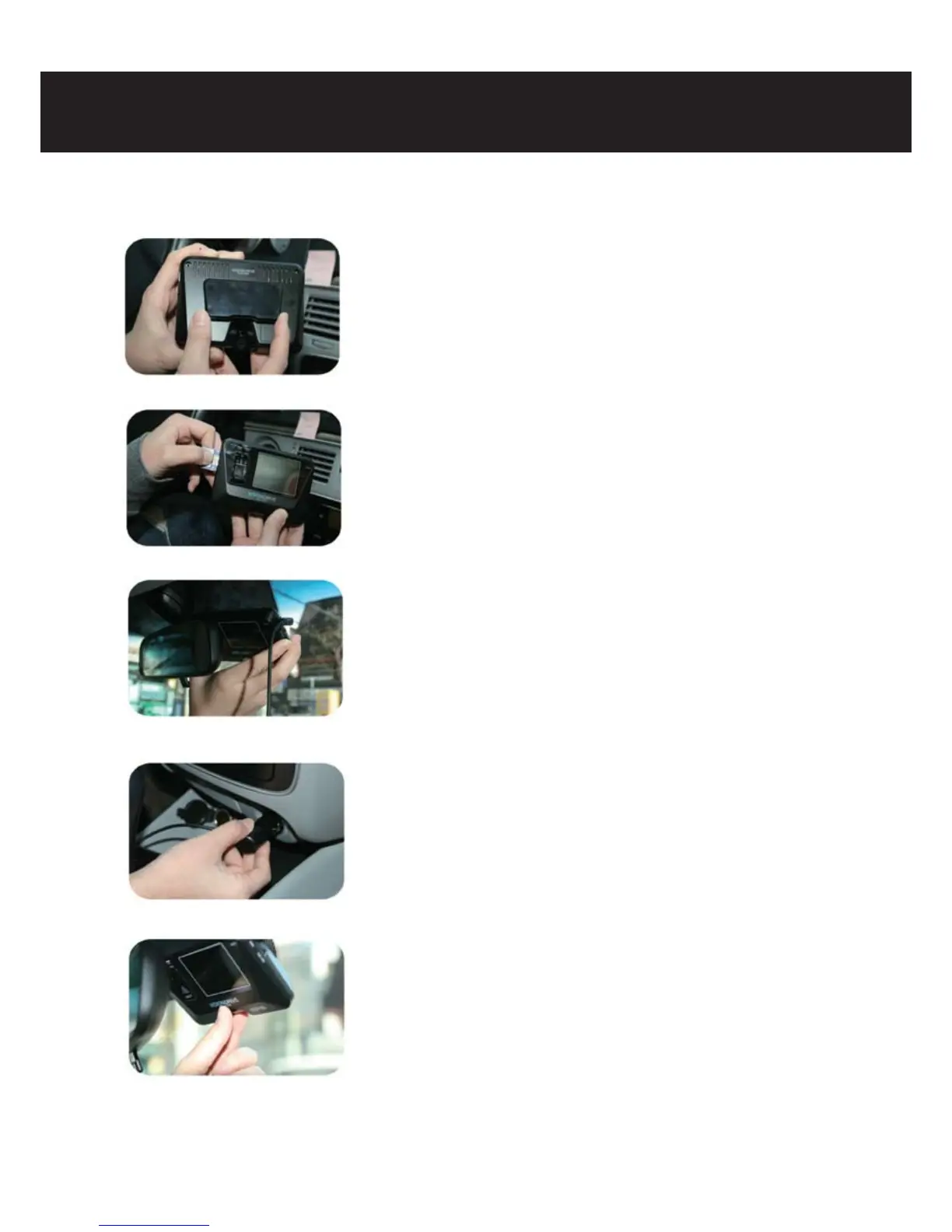
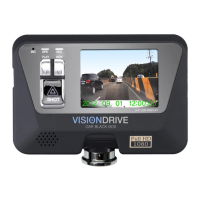
6-3) Installation
6. Installation sequence and procedure
- Fix the bracket to the Vision Drive groove and push it left to x
(push the Vision Drive left to detach the Vision Drive only)
- Insert an SD memory card as shown in the left photo after the
connection of the Vision Drive to the bracket.
(To eject the SD memory card from the Vision Drive, the SD memory
card can be automatically ejected if the SD memory card is pressed
in / during power-o status of the car. Note that the product can be
damaged if the SD memory card is ejected with the force of tweezers
or nger nails)
- Clean the impurities on the window to attach the Vision Drive after
selection of the suitable place (The center of the car is recommended
to attach the Vision Drive and enough space on both sides is
recommendable to prepare detachment of the Vision Drive)
- For the rst installation, the tape shall be partially stripped and
temporarily attached to the car window because the adhesion of
the bracket tape is very strong. (The Vision Drive shall be fully xed
after checking the correct position through the LCD screen while on.)
- Power cable shall be connected to the Vision Drive and the user
arranges the cables by using cable holders as shown in the photo.
-Insert the power jack of the product in the car cigar jack.
- The Vision Drive boots up if the car key is turned to ACC Power,
voice guidance starts through the speaker and LCD screen shall be
activated.
(Do not power o before voice guidance and LCD screen are fully
deactivated in case of the rst operation after power cable
connection. Power-o during operation time can cause errors to
the product)



 To Next Page