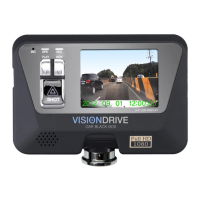
- Adjust the shot angle by moving the camera up and down.
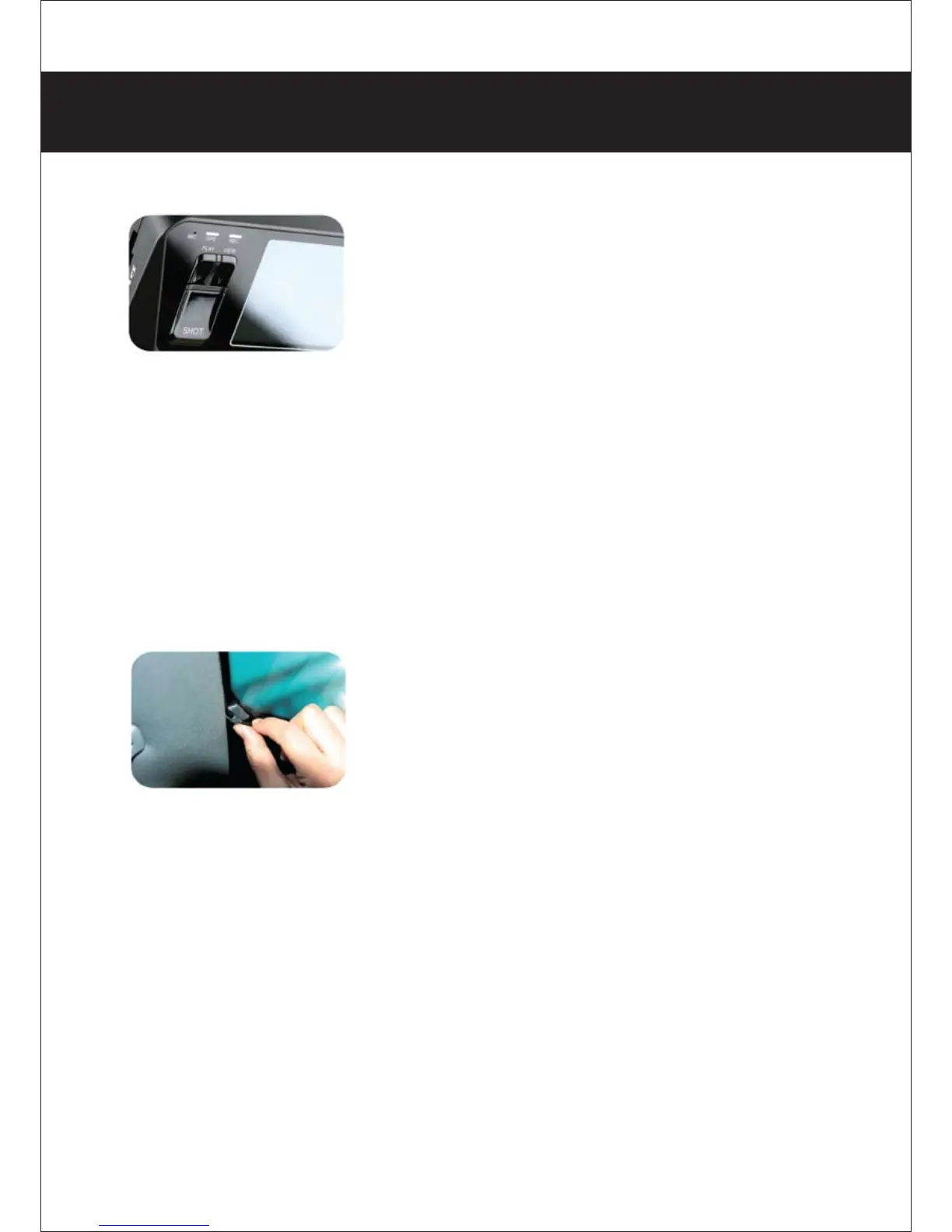
(Vision Drive’s LCD lights can be on for several minutes in case of
power-on for safe driving. If the user needs longer checking time
for LCD, turn on the LCD by pressing the VIEW button of the
Vision Drive.
The user shall return it to recording status by pressing the VIEW
button after the checking activity nishes.)
- The radio antenna should be placed a distance from the GPS
module or optional external GPS module can be used because
the GPS sensor’s reception ratio can be aected by the antenna
position or metallic coating on the window in case of in glass types
of radio antenna, usually imported cars.
- Note that video recording can be disturbed by reective and
bright materials on the dashboard which can be reected on the
window.
- When LCD is o and REC LED is on, an ordinary recording status
starts.
- GPS LED is on when a normal signal is being received, it turns blue.
(Operation times of GPS reception are adjustable due to car’s location)
- Use the cable holders to neatly place the cables in the car.
6. Installation sequence and procedure



 To Next Page