EasyManua.ls Logo

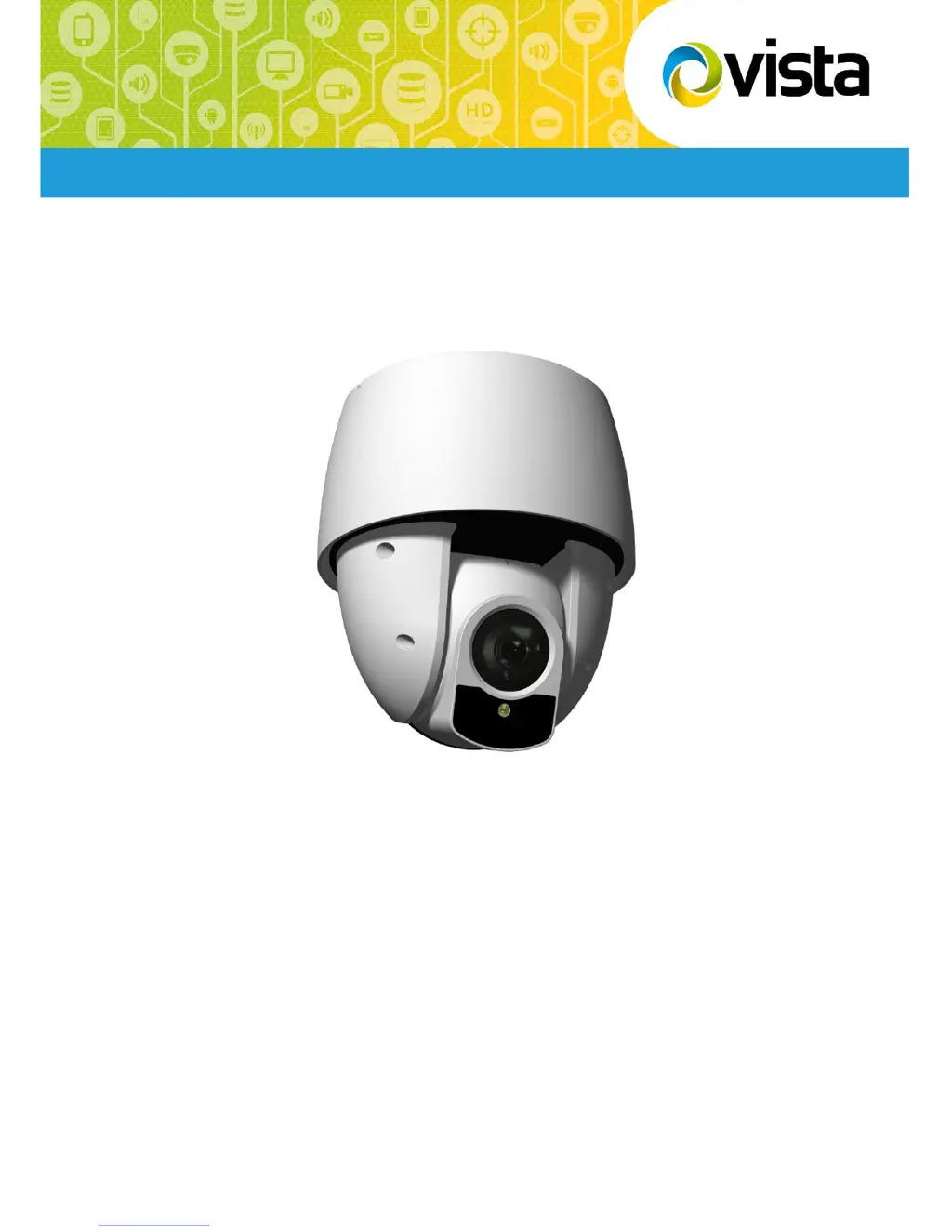
Vista VP-HDA20IR-SMW - User Manual

Vista VP-HDA20IR-SMW
39 pages
Print Icon
To Next Page IconTo Next Page
Loading...
VP-HDA20IR-SMW Manual V1.0
Installation Manual
VP-HDA20IR-SMW
Please read this manual thoroughly before use and keep it handy for future reference.

Questions and Answers

  • B
    Benjamin Bruce DDSAug 11, 2025
    How to troubleshoot Vista Security Camera with no video?
    • M
      matthewroyAug 11, 2025
      To troubleshoot a Vista Security Camera with no video, ensure that the power is connected to all system components and that all power switches are in the ON position. Also, check the video connections.
  • J
    Jennifer MartinezAug 21, 2025
    Why does my Vista VP-HDA20IR-SMW have poor video quality?
    • D
      Douglas AnthonyAug 21, 2025
      If your Vista Security Camera has poor video quality, check that the BNC connectors are properly inserted and the voltage level of the dome camera is correct. Also, ensure that the video cable is shielded.
  • S
    Sandy BrownSep 1, 2025
    What to do if Vista VP-HDA20IR-SMW Security Camera dome cameras lose their positions?
    • K
      Karen EnglishSep 1, 2025
      If the dome cameras on your Vista Security Camera system are losing their positions, try the following: * Reset the cameras using the Dome configuration menus. * Check that the dome cameras are properly inserted in the base. * Check the voltage level of the dome camera.

Vista VP-HDA20IR-SMW Specifications

General IconGeneral
BrandVista
ModelVP-HDA20IR-SMW
CategorySecurity Camera
LanguageEnglish

Related product manuals