EasyManua.ls Logo

Vista VPL7-WP-SM - User Manual

Vista VPL7-WP-SM
48 pages
Print Icon
To Next Page IconTo Next Page
Loading...
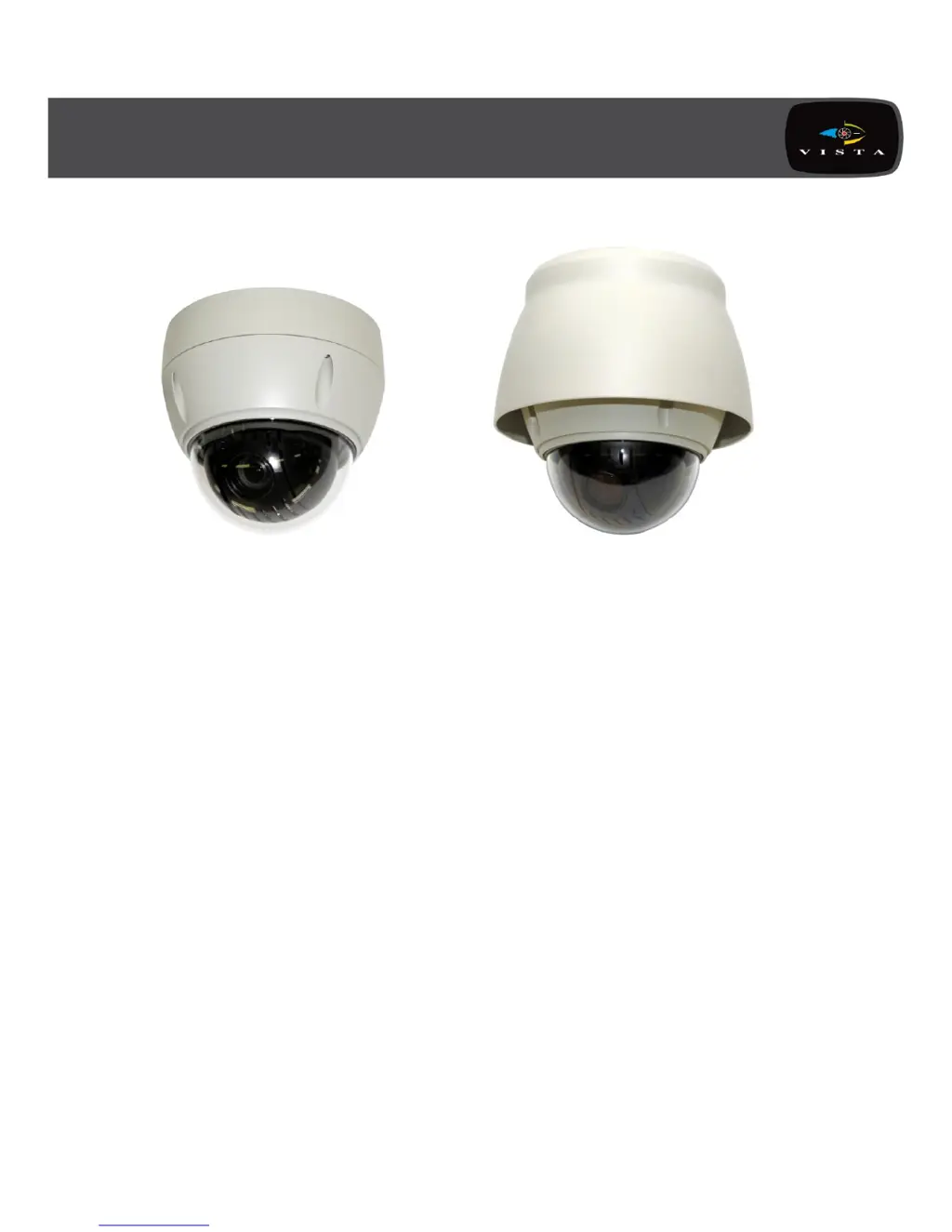
Set up and user manual for the
VPL7-WP-SM VPL7-WP-PM
Fully functional dome camera
Installation and user guide
VPL7 Installation Manual

Questions and Answers

  • D
    Dana TannerAug 1, 2025
    How to fix no video on Vista Security Camera?
    • T
      Tim SmithAug 1, 2025
      If your Vista Security Camera shows no video, ensure that all equipment in the system is properly connected to a power source and that all power switches are in the ON position. Also, check the video connections to make sure they are secure.
  • C
    Carol WeaverAug 8, 2025
    Why is the video quality poor on my Vista VPL7-WP-SM Security Camera?
    • A
      Ariel SullivanAug 8, 2025
      If you are experiencing poor video quality with your Vista Security Camera, verify that the BNC connectors are correctly and securely inserted. Also, check the voltage level of the dome camera and ensure the cable for video is shielded.
  • L
    Larry RobertsAug 16, 2025
    What to do if Vista Security Camera dome cameras lose their positions?
    • C
      Christine KellerAug 16, 2025
      If the dome cameras on your Vista Security Camera system are losing their positions, try resetting the cameras using the Dome configuration menus. Ensure that the dome cameras are properly inserted in the base and check the voltage level of the dome camera.
  • S
    Scott SmithAug 25, 2025
    How to fix Vista VPL7-WP-SM number mismatch with multiplexer?
    • J
      Jon Lyons IVAug 25, 2025
      If the camera number does not match the multiplexer number on your Vista Security Camera system, check the camera ID and insert the BNC cable into the proper input of the multiplexer.

Summary

Chapter 1 - Introduction

1.1 Features

Details the key features and capabilities of the VPL7 dome camera models.

Chapter 2 - Installation and Configuration

2.1 Installation

Provides general guidance and specific notes for installing the dome camera.

2.2 Connections

Explains how to connect the RS485, video output, alarms, and power for the dome camera.

2.3 Basic Configuration of Dome Camera System

Illustrates the basic wiring and connections for setting up the camera system.

Chapter 3 - Program and Operation

3.2 Preset Setup

Explains how to program and store specific camera positions and settings.

3.9 Camera Setup

Covers various camera image and operational settings like focus, WB, AE, DNR.

Appendix A - Specifications

Appendix B - Troubleshooting

Vista VPL7-WP-SM Specifications

General IconGeneral
BrandVista
ModelVPL7-WP-SM
CategorySecurity Camera
LanguageEnglish

Related product manuals