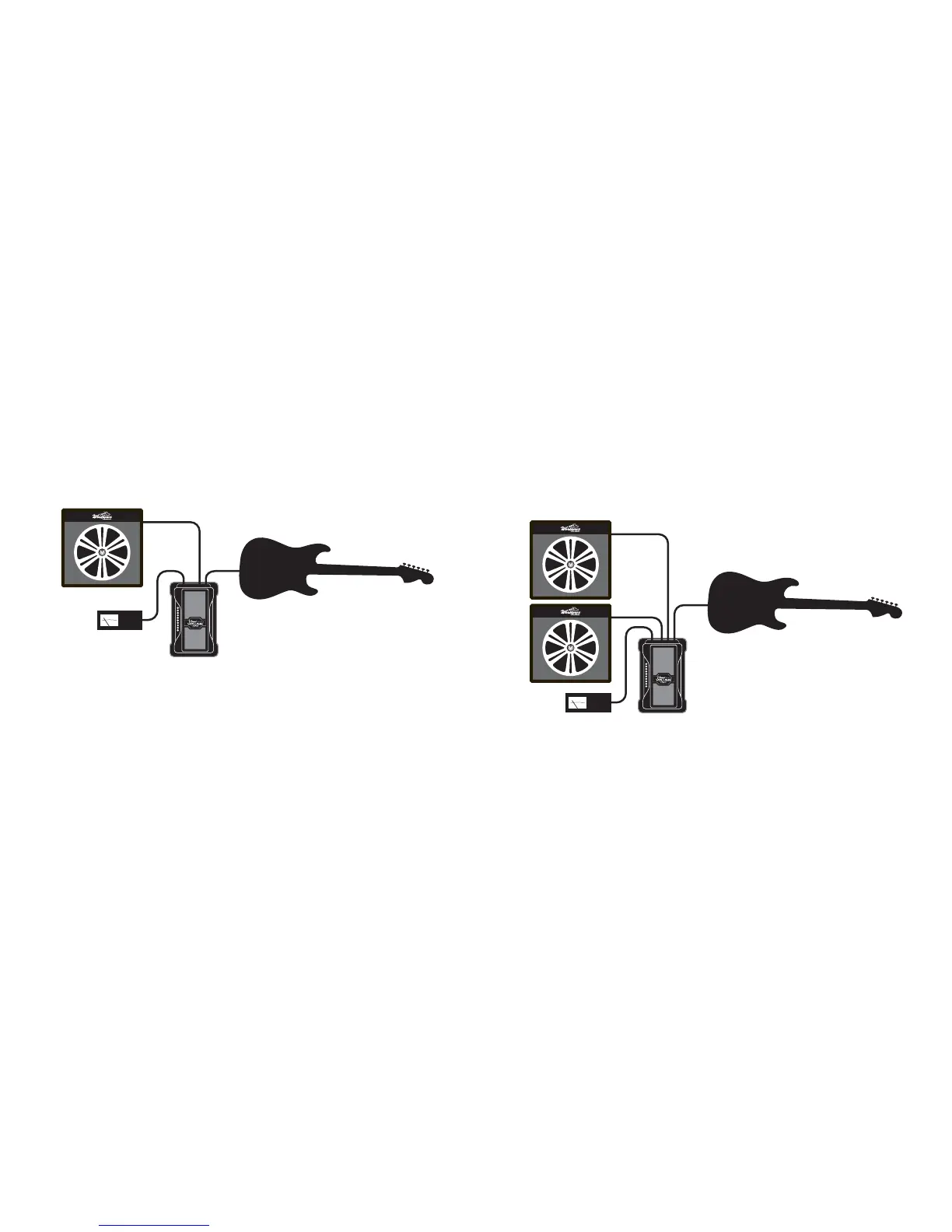
MONO VOLUME CONTROL
For simple volume pedal use, plug your guitar into Input 1,
the rest of your setup into Output 1, and rock the pedal for
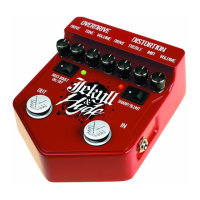
volume changes. However, if you use a distortion pedal and
don’t want to change the drive level of the distortion, make
sure to put Visual Volume after the distortion pedal.
Putting a volume pedal before distortion causes it to act like
the volume knob of your guitar, changing the amount of
distortion as you reduce the volume level.
TUNER OUT
The fifth jack is a tuner output, and it’s directly
connected to Input 1, so you can rock the rocker fully
back to get no output from the output jacks. The tuner
output still has the input from Input 1, so the tuner
operates while no signal goes to your amps.
TUNER
SPLITTER
If you do not plug into Input 2, the signal from Input 1 comes out
on both Output 1 and Output 2 as well. If you use active mode, the
buffered signal comes out both Output 1 and Output 2 and can be
sent to two different loops or amps.


 To Next Page