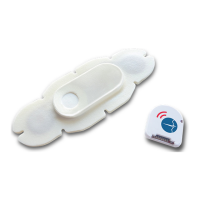
2
2. Remove from Pouch and Power-On
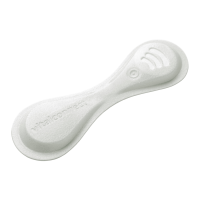
a. Tear open pouch at the notch and remove VitalPatch.
b. Allow the VitalPatch to “breathe” for at least 2 minutes
before proceeding to the next step.
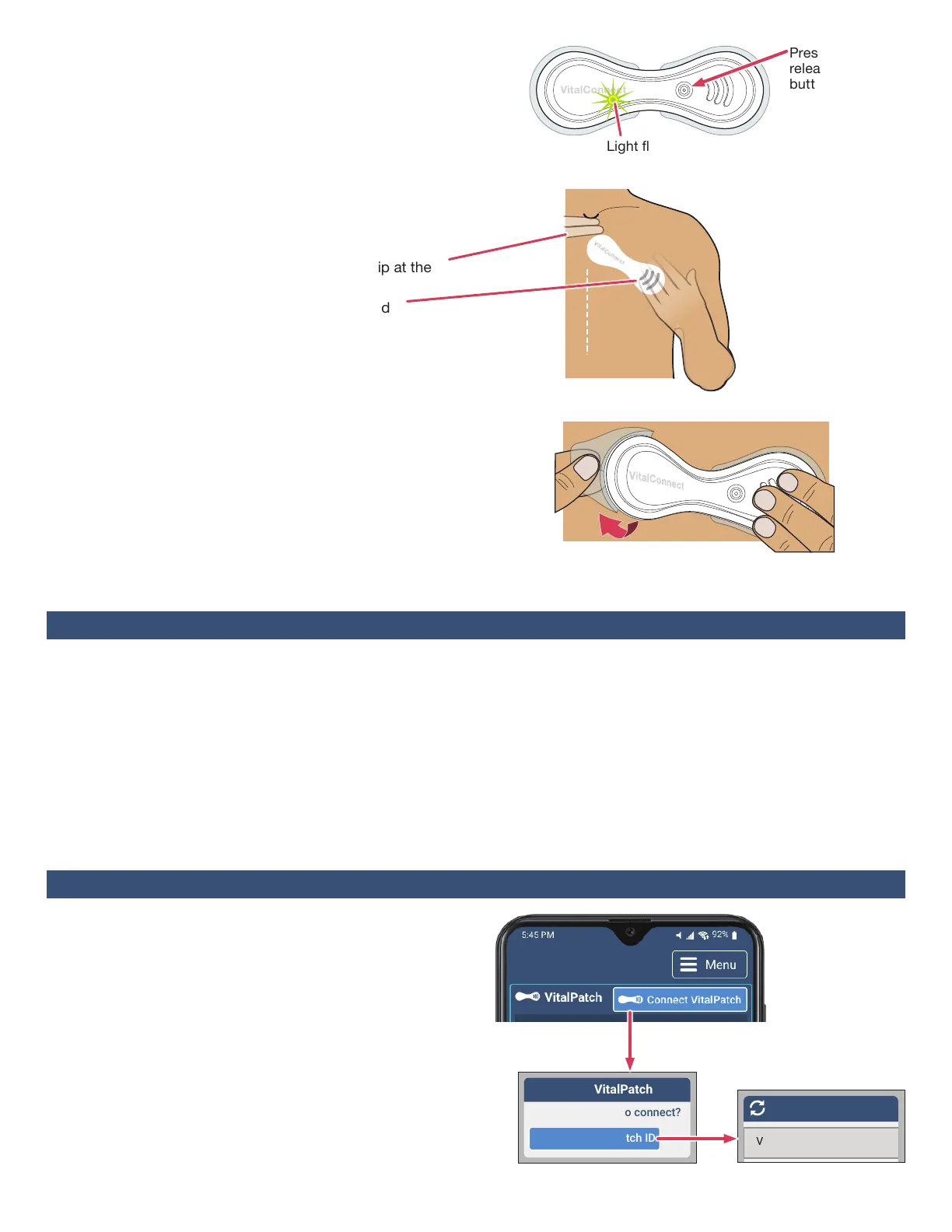
c. Place VitalPatch on a at surface. Press and release the
power button. A green light below the logo will ash
when VitalPatch is powered on (the light will go o).
3. Hold Against Chest
a. Hold the VitalPatch against the chest in the position
shown in the gure to the right.
b. Space two ngers below the jugular notch (dip at the
base of the neck).
c. Position diagonally with the threelines angled
downward away from the midline.
4. Remove Backings and Apply
DONOTtouchtheadhesivewithyourngers!
a. Hold one side of the VitalPatch down.
b. Lift the opposite side, and peel the backing o from the
center. Press against skin.
c. Peel the backing o from the other side of the VitalPatch.
d. Firmly press down both sides to attach to skin.
5. Optional Adhesive Overlay
If your care team recommends an adhesive overlay, please
review the instructional video. Go to the Menu button, tap
Help, and then tap VitalPatchAdhesiveOverlay.
• DONOT shower or exercise for 30minutes after
applying the VitalPatch.
• DONOT expose the VitalPatch directly to the shower
head, and avoid excessive contact with soap or
scrubbing. Gently pat the VitalPatch dry after showering.
• DONOT swim with the VitalPatch or use in a sauna,
steam room or hot tub.
• DONOT wear more than one VitalPatch at a time.
Remove the old VitalPatch before applying a new one.
Light ashes ON
Press and
release power
button
Peel o
backing
from center
Hold
VitalPatch
down
Midline
LEFT
Side
LEFT
Hand
Section 4: Pairing with VistaPhone
1. Begin the Pairing Process
a. Tap ConnectVitalPatch button.
b. Tap SearchforVitalPatchID to search for nearby
VitalPatch biosensors. A list will of IDs will display.
c. Tap the Bluetooth ID of your VitalPatch. If the Bluetooth
ID does not appear in the list, tap the Rescan button to
repeat the search. If the VitalPatch is still not listed, press
the power button on the VitalPatch again and tap the
Rescan button.
Note:If a previous VitalPatch is still connected, disconnect it
before pairing (see Section6onPage3).
Select ID from list
Connect to VitalPatch
Search for VitalPatch ID
How do you want to connect?
VC2B008BF_003C3C
Section 3: Wearing the VitalPatch
• EachVitalPatchwilllastupto7days(168hours).
To preserve data recorded by the VitalPatch, make sure
you are connected to the VistaPhone before the
VitalPatch expires.
• If discomfort or irritation occurs, the VitalPatch should be
removed. Contact your care team immediately.
• If the VitalPatch begins to fall o or lift from the skin,
contact your care team immediately.


 To Next Page
 Loading...