Vitalograph In2itive User Manual
Cat. No. 07514
Issue 5
Page 7 of 45 DT_0006-6
F
EATURES OF THE
V
ITALOGRAPH
D
EVICE
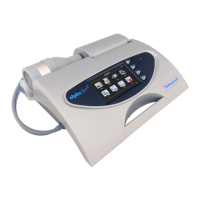
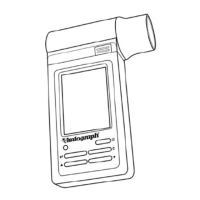
The Vitalograph In2itive features include:
• Fleisch pneumotachograph
• Integral and removable flowhead
• Touch screen color display or buttons
• Clear sounds for audio feedback
• Choice of child incentive displays
• Fully customizable report format
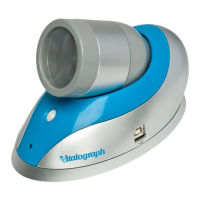
• Desktop cradle supplied as standard
• Optional cradle for connection to A4 USB printers (PCL
compatible)
• Optional communications cradles
• Automatic download of new subjects
• 10,000 subject test memory
• Automatic upload of all test data
• Pre/post bronchodilator comparison
• Choice of predicted values and languages
• Diagnostic interpretation options
• Lung age for adults and adolescents
• Real-time test quality prompts
• Vitalograph PC software included
• Stylus
• Can enter subject details on device
G
ETTING THE
V
ITALOGRAPH
D
EVICE
R
EADY
F
OR
U
SE
1. Place the Spirotrac V CD-ROM into the CD drive. The installation
program starts automatically after a short period of time and leads
you through the installation. The following are the most important
points of the installation procedure.
2. If you do not already have Acrobat reader installed then select
‘Install Acrobat Reader’. You will require it to read the User Manual
and any Test Reports that you have chosen to ‘Print’ as a PDF
document.
3. Spirotrac V can import and export to your practice software, if your
practice software supports one of the communications standards in


 To Next Page
 Loading...