10
ENGLISH
Rotating the knob (16), set the defrost time 5:00 minutes.3.
Press the (11) 4.
“Microwaves/Grill/Combi” button, “Р-100” will appear on the display. To select power
80 % press the (11)
“Microwaves/Grill/Combi” button or rotate the knob (16).
“P-80” will appear on the display.5.
Press the (15) 6. “Start/+30 sec/Confirm” button to confirm the selected mode.
Set cooking time 7 minutes rotating the knob (16). “07:00” will appear on the display.7.
Press the (15) 8. “Start/+30 sec/Confirm” button to start cooking, countdown of the remaining time will
start on the display. After the first cooking stage is over (defrost), you will hear one sound signal. After
the cooking process is over, the unit will switch off, and you will hear 5 sound signals.
9. Setting starting cooking time
Open the door, put products into the operating chamber and close the door.1.
Check whether the time is set properly, and then select the cooking program as you wish.2.
Note: you can set maximum two cooking stages.
If you lay over cooking time, defrost mode can be set as a cooking program.
For instance, if you need to cook products in the microwave oven at 80% during 7 minutes. do the
following:
Press the (11) 3.
“Microwaves/Grill/Combi” button, “Р-100” will appear on the display. To select power
80 % press the (11)
“Microwaves/Grill/Combi” button or rotate the knob (16). “P-80” will appear on
the display.
Press the (15) 4. “Start/+30 sec/Confirm” button to confirm the selected mode.
Set cooking time 7 minutes rotating the knob (15). “07:00” will appear on the display.5.
Press the (13) 6. “Clock/Presets” button, hours flashing digits will appear on the display.
Set “hours” rotating the knob (16).7.
Press the (13) 8. “Clock/Presets” button, minutes flashing digits will appear on the display.
Set “minutes” rotating the knob (16).9.
Press the (15) 10. “Start/+30 sec/Confirm” button to finish setting time.
When the current time matches the time, which was set, two sound signals will be heard and the unit will 11.
switch on in the cooking mode. The remaining cooking time will be displayed. After the cooking process
is over, the unit will switch off, and you will hear 5 sound signals.
The preset starting cooking time can be checked by pressing the (13) “Clock/Presets” button.
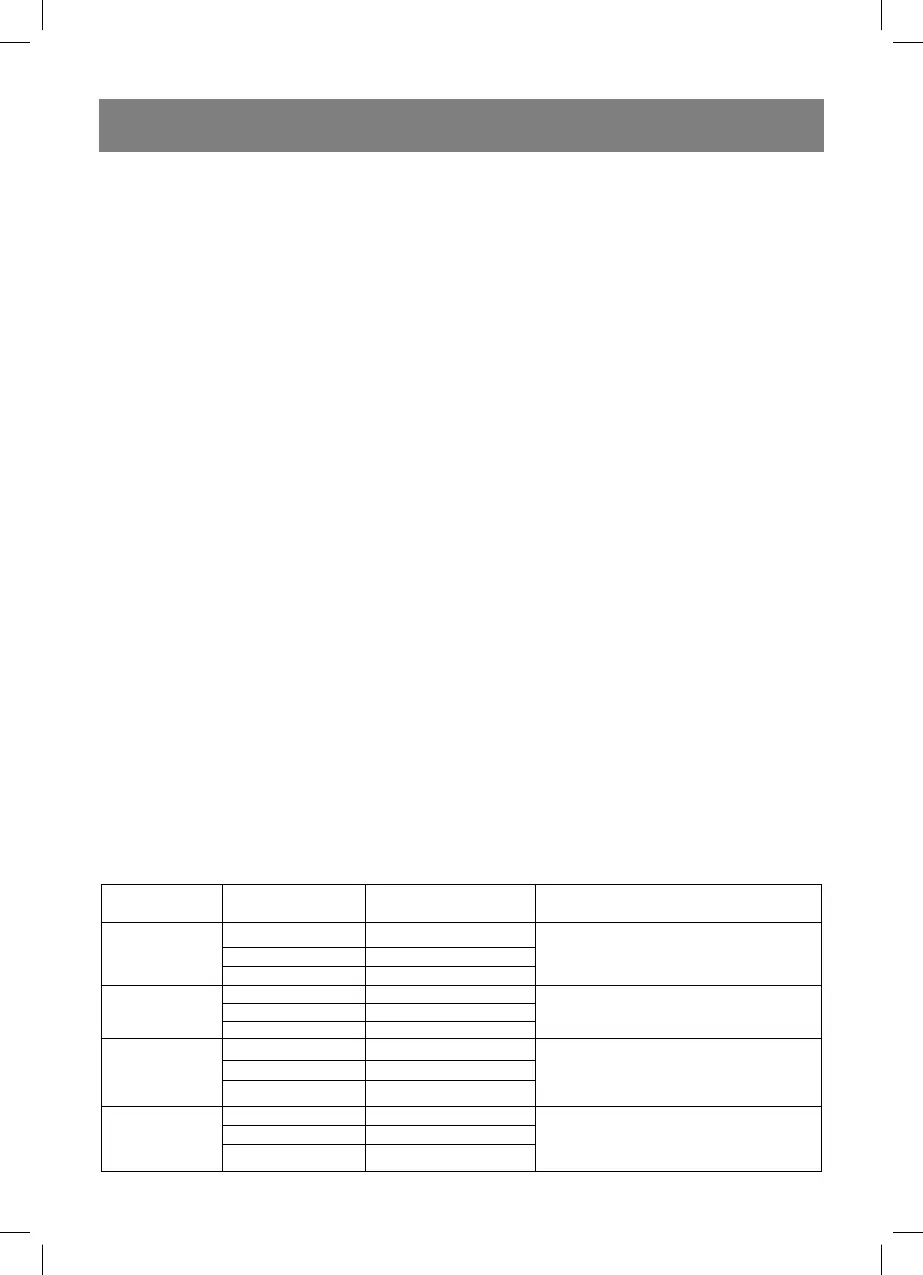
10. Auto cooking menu
You can select one of the following auto modes, by setting the corresponding mode, turning the knob (16)
clockwise:
Menu Product weight Display indications Power of the oven
A-1
“Heating”
200 g 200
100%
400g 400
600 g 600
A-2
“Vegetables”
200 g 200
100%
300 g 300
400 g 400
A-3
“Fish”
250 g 250
80%
350 g 350
450g 450
A-4
“Meat”
250 g 250
100%
350 g 350
450 g 450
VT-1652 BELORUS.indd 10VT-1652 BELORUS.indd 10 09.08.2011 17:17:5309.08.2011 17:17:53


 To Next Page