4
and apply to any authorized service center from
the contact address list given in the warranty
certificate and on the website www.vitek.ru.
•
To avoid damages, transport the unit in the origi-
nal packaging only.
•
Before you dispose of the vacuum cleaner,
remove the battery and submit it to an appropri-
ate recycling facility. Do not incinerate the vac-
uum cleaner, even if it is badly damaged, without
removing the battery to avoid battery explosion.
•
Transport the unit in the original packaging only.
•
Keep the unit in a dry cool place unreachable by
children and people with disabilities.
THIS UNIT IS INTENDED FOR HOUSEHOLD USE
ONLY. COMMERCIAL USAGE AND USAGE IN
PRODUCTION AREAS AND WORK SPACES IS
PROHIBITED.
BEFORE THE FIRST USE
After transporting or using the unit storage in
cold (winter) conditions, make sure to keep it
for at least 3 hours at room temperature before
switching on.
•
Unpack the vacuum cleaner and remove any
advertising stickers and packaging materials.
•
Keep the original packaging.
•
Check the unit for damages, do not use it if it is
damaged.
•
Study the safety instructions and the usage manual.
•
Make sure that operating voltage of the power
adapter corresponds to the voltage of your mains.
BEFORE USING THE VACUUM CLEANER
Charging batteries
For best results, charge the battery before using the
vacuum cleaner.
•
Plug the power adapter (17) connection cable
jack into the socket (1) on the body of the vac-
uum cleaner (fig. 1).
•
Plug the power adapter (17) into the mains
socket, the « » power button indicator (5) will
be flashing red.
•
Once the unit has been charged, the power button
indicator (5) will turn green. Disconnect the power
adapter (17) from the mains socket, disconnect the
connection cable jack of the power adapter (17)
from the socket (1), the indicator (5) will turn off.
•
The duration of the first battery charging should
be at least 8 hours.
BEFORE USING THE VACUUM CLEANER
•
Remove from the floor any power cables, exten-
sion cords, and other similar items that may
impede the movement of the vacuum cleaner.
•
The vacuum cleaner is intended to be used on a
smooth floor or low-pile carpet (up to 8-10 mm).
Do not use the vacuum cleaner for cleaning high
pile carpets.
•
Make sure that there is no tablecloth, curtains
or other furnishings hanging to the floor on the
movement trajectory of the vacuum cleaner.
•
There should be at least 6 centimeters of free
space under furniture, otherwise the vacuum
cleaner will simply get stuck under the furniture.
•
If the distance from the floor to the furniture is
less than 8.5 centimeters, lift up the furniture or
set up a barrier to prevent the vacuum cleaner
from getting in such places.
•
Set additional barriers for the vacuum cleaner
when cleaning stairwells.
•
Rearrange furniture so as to enable free move-
ment of the vacuum cleaner, remove any foreign
objects from the floor.
•
Do not use the vacuum cleaner in the rooms with
unsteady furniture, especially if there are fragile
furniture pieces or burning candles.
•
Do not place and do not install foreign objects on
the vacuum cleaner body, make sure that there
are no pets on the vacuum cleaner body.
•
Before using the vacuum cleaner make sure
that there are no narrow places on the vacuum
cleaner movement trajectory.
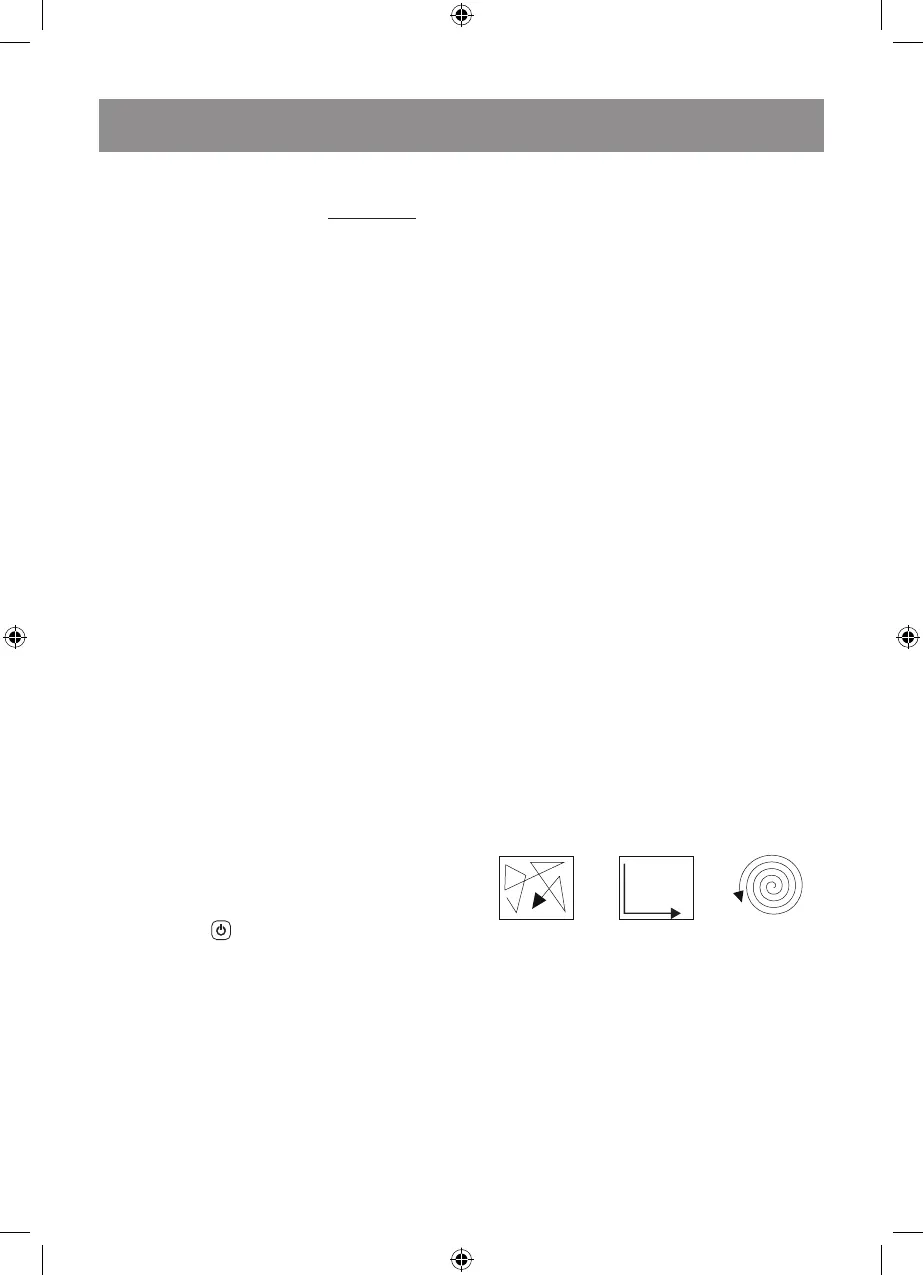
CLEANING MODE
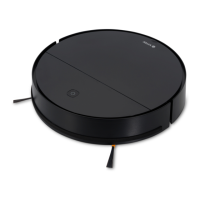
Robot cleaner works efficiently with intelligent
control system. Robot vacuum cleaner can avoid
falling down from stairs automatically by infrared
sensors. In order to provide high efficient cleaning
performance, vacuum cleaner works in the follow-
ing 3 modes and exchange automatically:
Auto mode Edge mode Spot mode
VACUUM CLEANER USE
•
The side brushes (8) are not interchangeable.
Before using the vacuum cleaner make sure that
the brushes (8) are installed properly (fig. 2).
•
Switch the unit on by setting the Power Switch
(2) to «I» - the power button (5) indicator will turn
green (fig. 3).
•
Press the power button (5) to initiate automatic
cleaning (fig. 4).
•
The vacuum cleaner will switch on and start
room cleaning, the power button indicator (5)
will start flashing green.


 To Next Page