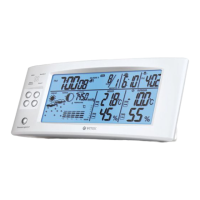
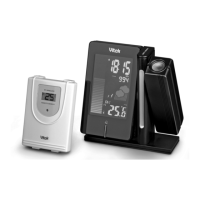
GETTING STARTED
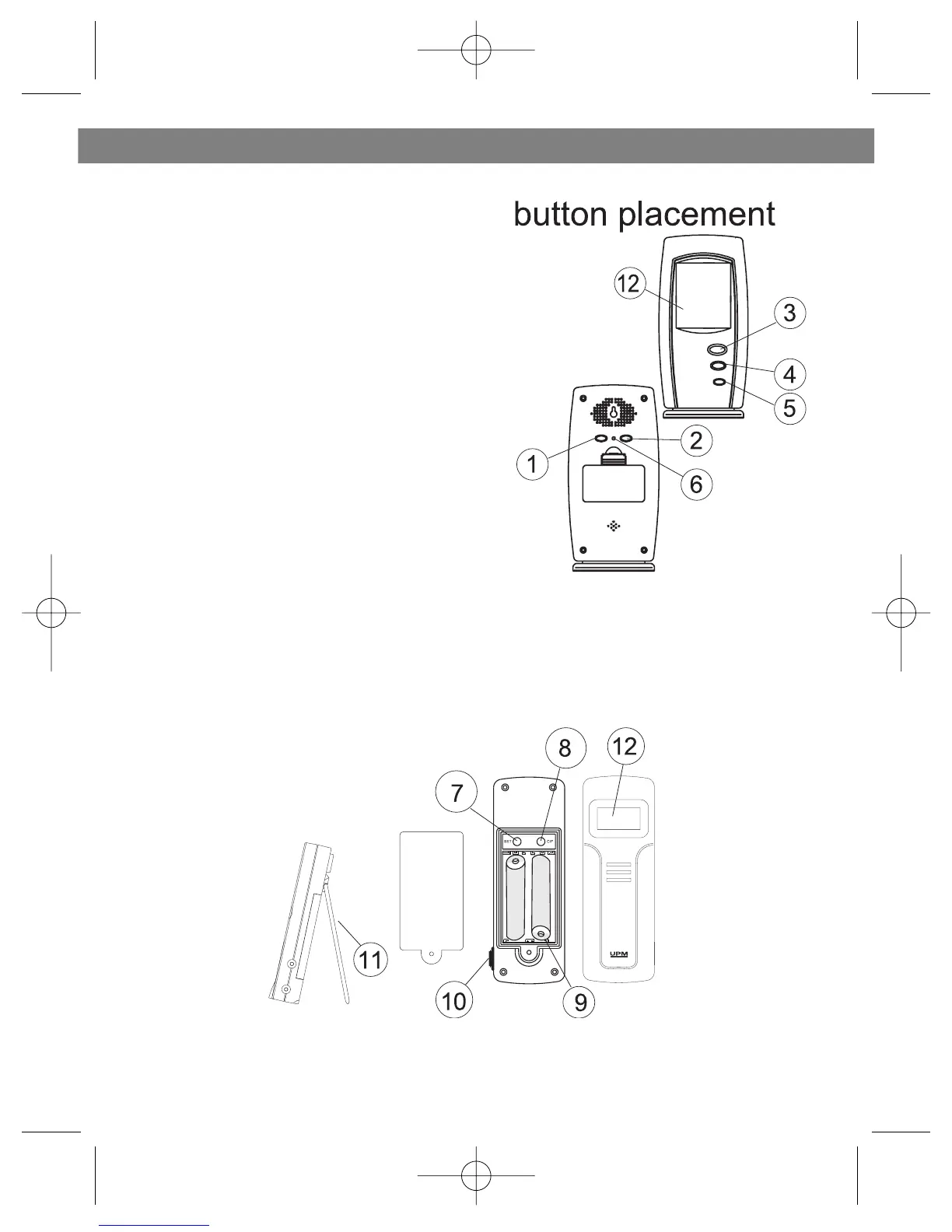
1. CHANNEL/WEEKDAY - scrolls
through remote channels 1-4; scrolls
through weekday
2. ALARM/(C/F) - toggles between C
and F; 12 and 24 hour format, turns alarm
on/off; clears temperature alarm presets
3. SNOOZE/MODE - scrolls through
time, weekday, language, time zone,
alarm and temperature alarm set points
(high/low); activates alarm snooze
4. HOUR/MONTH/MAX/+ - scrolls
through hours, months and languages;
shows maximum temperature
5. MINUTE/DAY/MIN/- - scrolls
through minutes, days and languages;
show minimum temperature
6. R - reset the receiver
7. SET: enter to House code and Channel setting mode
8. C/F: change between C or F, change channel and house code
9. Battery compartment
10.Socket for external sensor probe.
11. Wall Mount Holder & Table Stand
12. LCD display
ENGLISH
3


 To Next Page