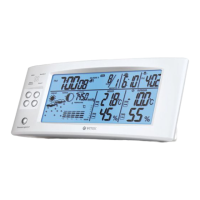
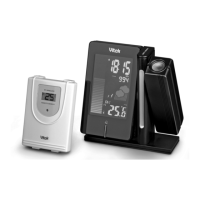
SETTING UP
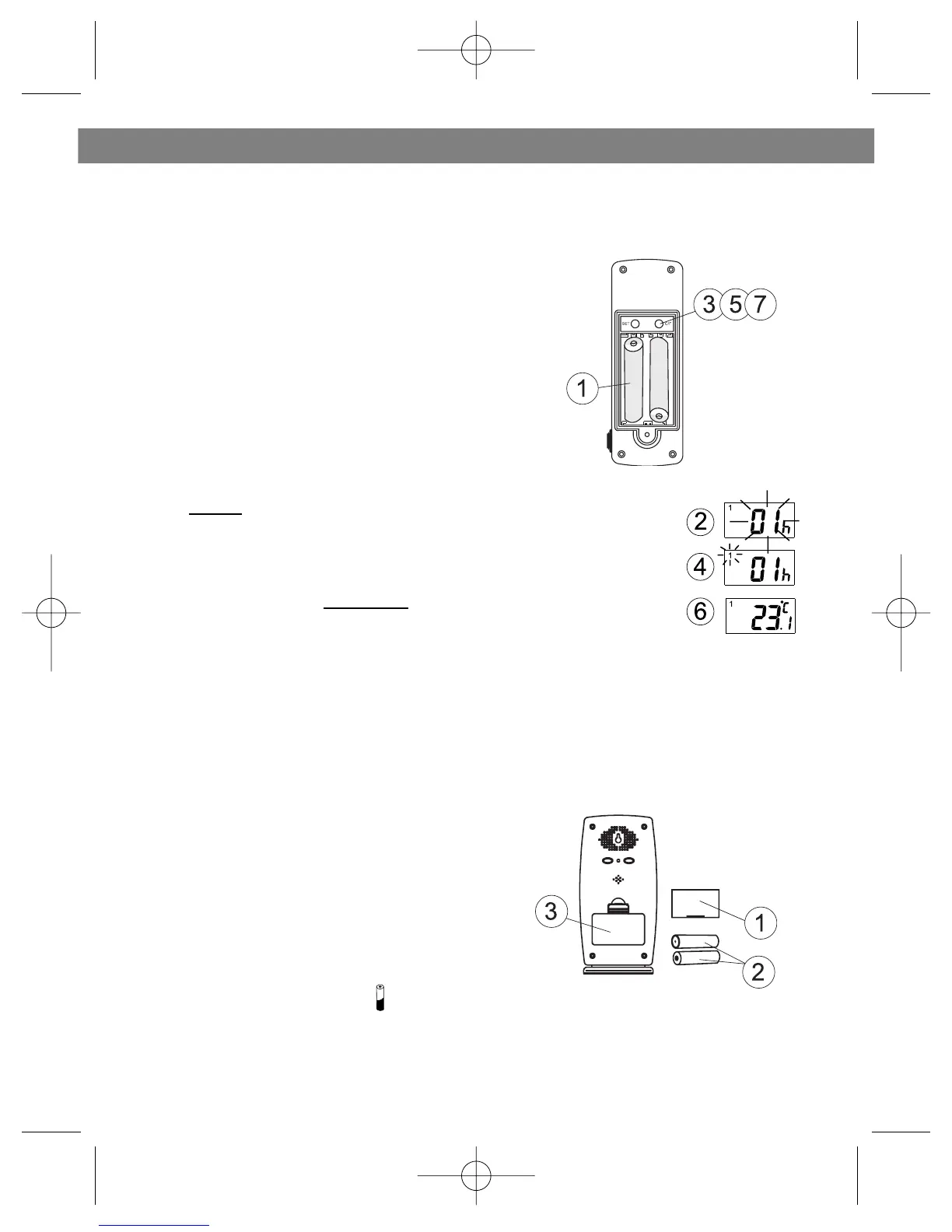
• Set up the transmitter(s) before set-
ting up the receiver
1. Remove battery cover and insert batteries
to start setup 2 AA size batteries (included)
Insert batteries into compartment observing
proper polarity
2. HOUSE CODE will flash for 8 seconds
3. Select HOUSE CODE (1-15) by pressing
C/F and pressing SET to CHANNEL setting
If you have multiple transmitters for a single
receiver, set each transmitter
to the same House code
4. CHANNEL will flash for 8 seconds
5. Select CHANNEL (1-4) by pressing C/F
If you have multiple transmitters for a single receiver, set
each transmitter to a different Channel code
6. Humidity & Temperature will alternatively display on LCD
screen
7. Select °C or °F of Temperature by pressing C/F
• Use a different house code if your weather station detects other signals
from neighboring sources
• Factory default: house code = 01 and channel = 01
1. Remove battery cover
2. 2 AA size batteries (included)
3. Insert batteries into compartment,
observing proper polarity; replace cover
REPLACING BATTERIES: symbol on
receiver will appear when batteries need to be changed.
Transmitter: Lo bat will be displayed
ENGLISH
4
SETTING UP TRANSMITTER(S)
SETTING UP RECEIVER


 To Next Page