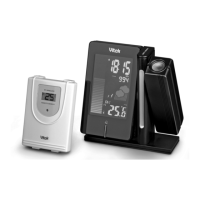
CLOCK/DATE/LANGUAGE SETTING
Clock Setting:
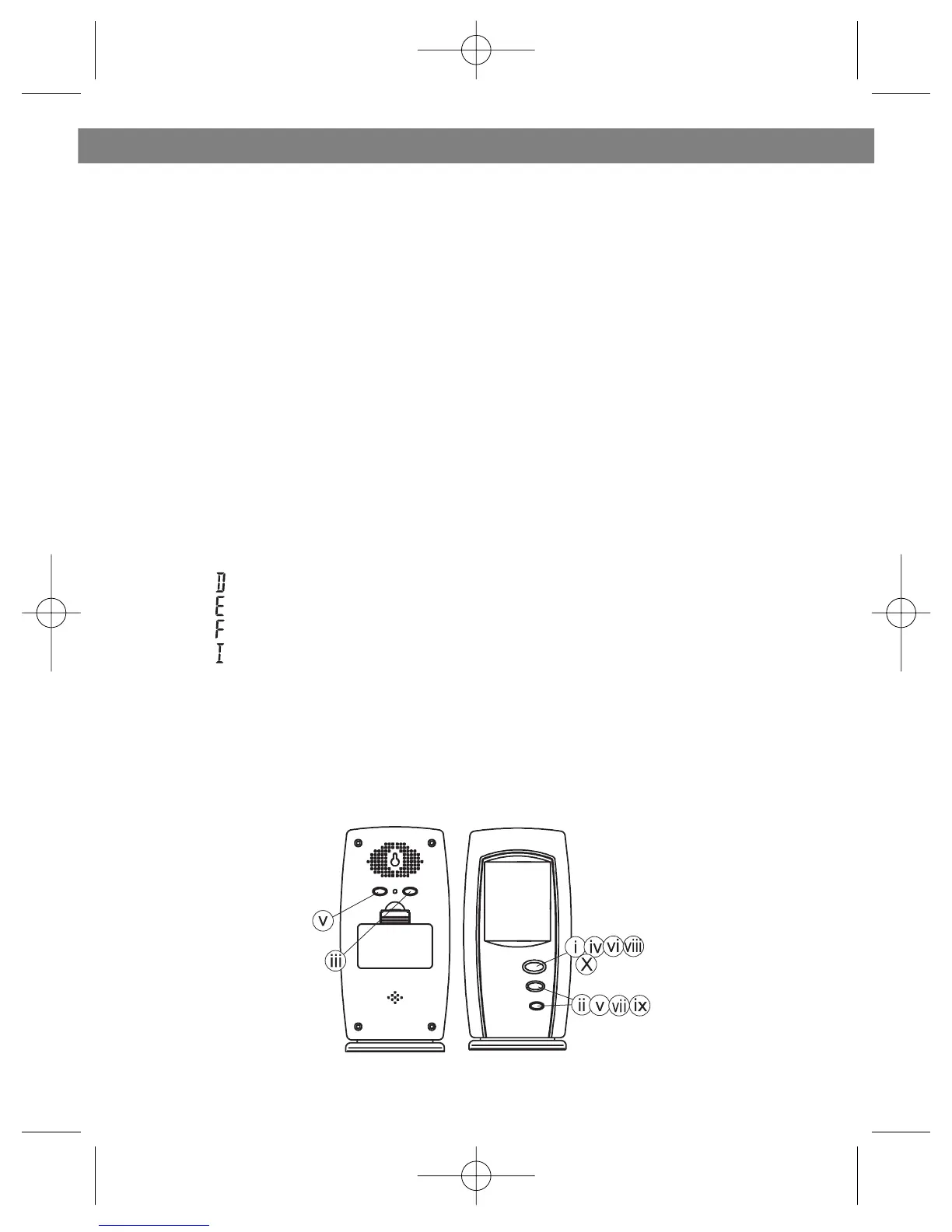
i. Press and hold MODE for 3 seconds to enter the clock setting mode
(the Clock display will flash)
ii. Press HOUR to set the hour and MINUTE to set the minute
iii. Press ALARM/(C/F) during clock setting, to change between 12 and 24
hour display.
Date Setting:
iV. Press MODE or enter the date setting
V. Press MONTH to set the month, press DAY to set the day and press
WEEKDAY to set the weekday
Language Setting:
Vi. Press MODE or enter the language setting
Vii.Press + or - to select the language for displaying day of the week:
-“ ” German
-“ ” English
-“ ” French
-“ ” Italian
Time Zone Setting:
Viii. Press MODE or enter the time zone setting
iX. Press + or - set the value
X. Press MODE or complete the setting
ENGLISH
5


 To Next Page