22
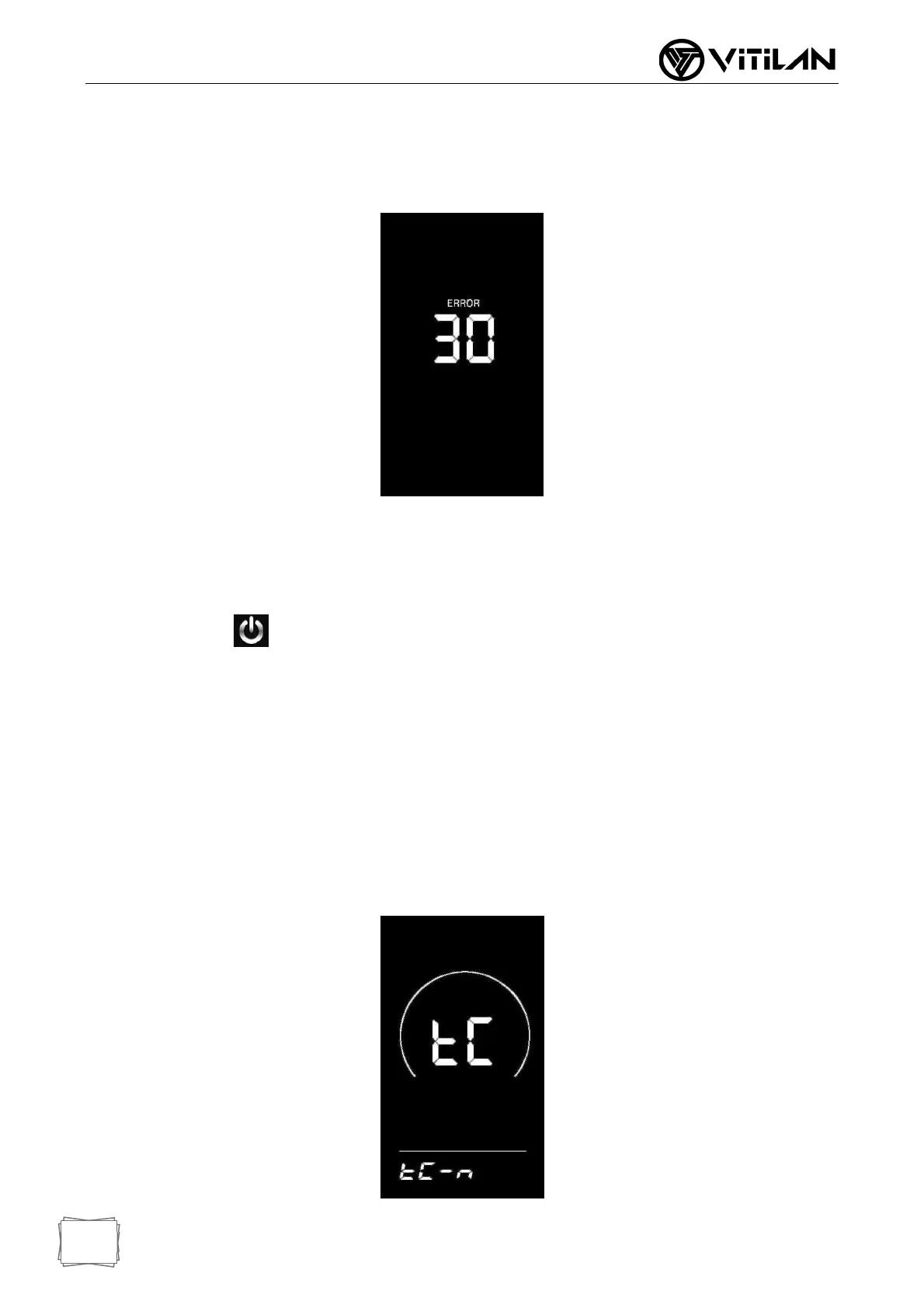
◆ Error Code Display
When the electric control system of the electric vehicle fails, the instrument will
automatically display the error code. See Table 1 for the definition of the detailed error
code.
■ When there is an error code in the display interface, please troubleshoot the fault in
time. After the fault occurs, the electric vehicle will not run normally.
General Settings
Press the key for a long time to start the machine. In the startup state, when the
vehicle is stationary, press and hold the UP + DOWN key for more than 2 seconds at the
same time, and the instrument enters the normal setting state.
■ Each setting item needs to be made with the vehicle stationary.
◆ Single Mileage Clear
TC stands for clearing the single mileage. Y/N can be selected through the UP/DOWN
key, and “Y” means clearing the mileage of a single ride. “N” means a single ride that
is not cleared
Line mileage. Press the "i" key briefly to confirm and enter the backlight brightness
setting state.



 To Next Page