26
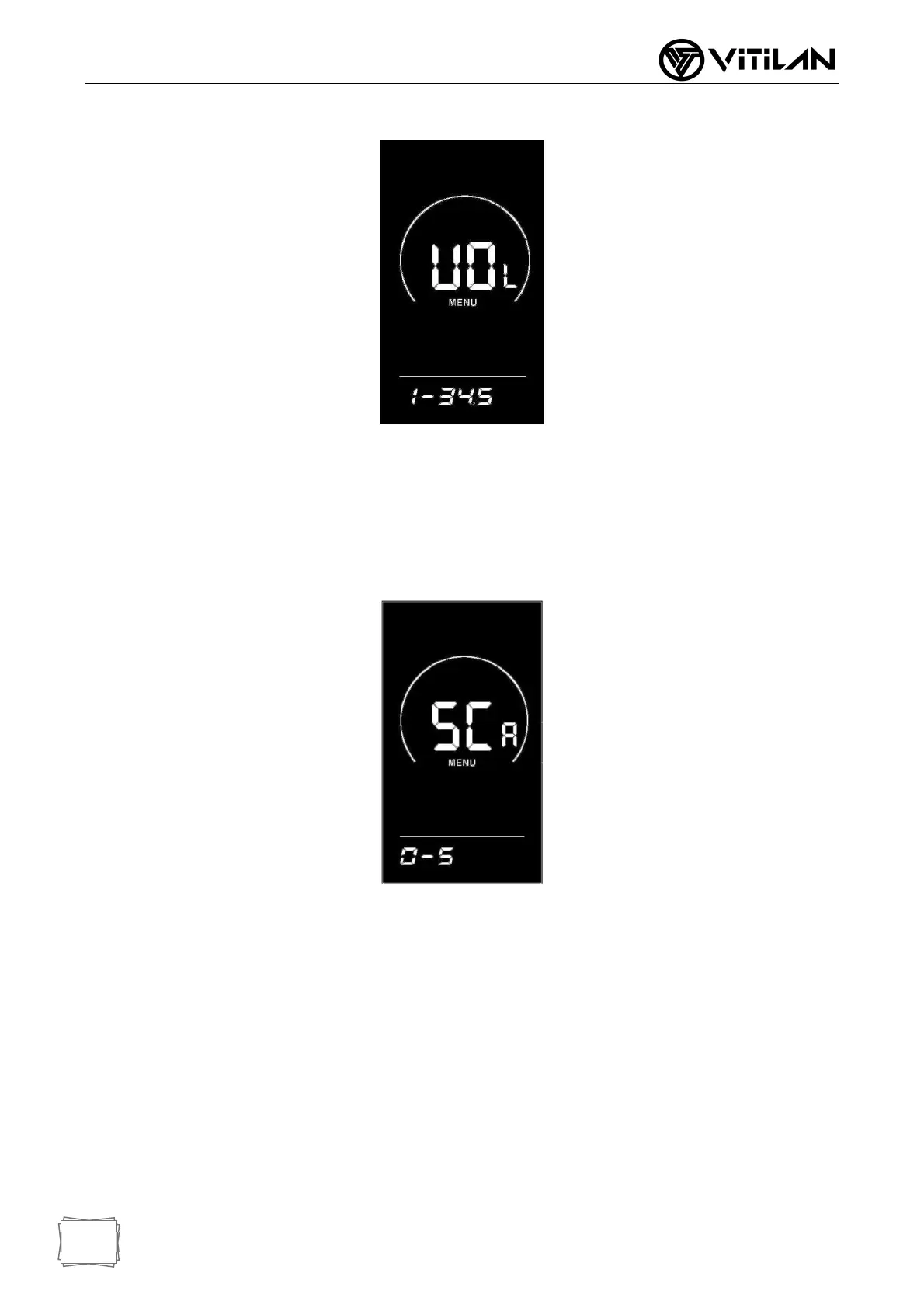
◆ Assist Parameter Setting (Option)
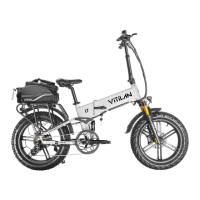
Boost Gear Selection
Eight modes are provided in the booster gear selection: 0-3, 1-3, 0-5, 1-5, 0-7, 1-7, 0-
9, 1-9; Through UP/DOWN switching, press the "i" key briefly to confirm and enter the
assistance proportion value setting interface in the corresponding mode. The
instrument default mode is 0-5.
◆ Assist Proportion Value Setting
By setting the value of the assistance ratio, the speed of each gear can be adjusted to
meet the needs of different riders. Take 1st gear as an example, "45-55%" is the range
of 1st gear assistance ratio, and "50%" is the default value of 1st gear, which is a
settable value. Add/subtract settings are made through UP/DOWN key. Press "i" key
briefly to confirm and enter the next assistance ratio setting, up to 9 can be set. After
the setting is completed, press "i" key long to confirm and return to the instrument
setting item selection interface.
Please refer to Schedule 2 for details.



 To Next Page