28
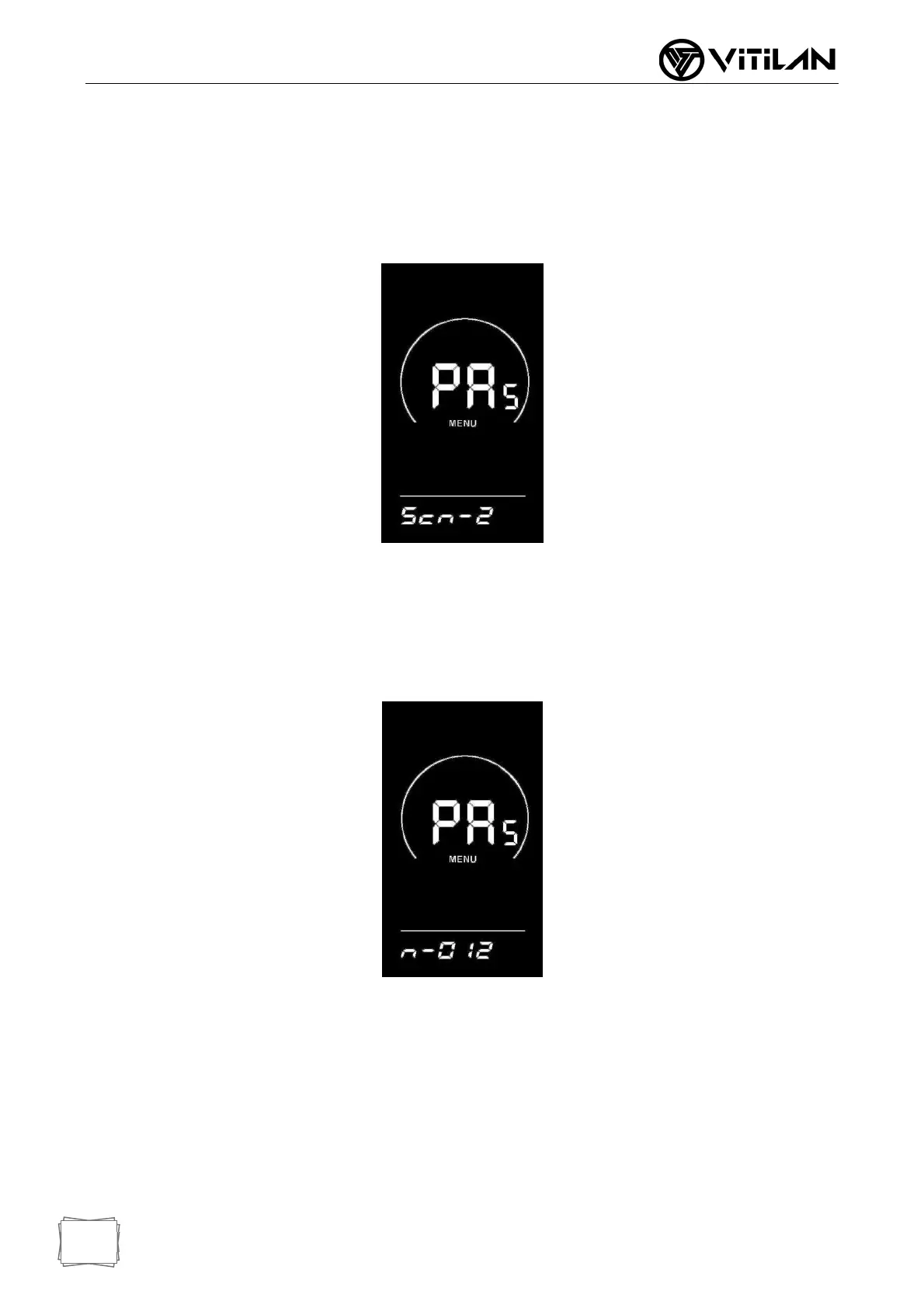
◆ Assist Sensor Sensitivity Setting
SCN is displayed on the screen, which represents the sensitivity of the booster sensor.
The setting range is 2-9, where 2 indicates the highest sensitivity and 9 indicates the
lowest sensitivity; Add/subtract settings through UP/DOWN key, press "i" key briefly to
confirm and enter the power sensor proportional parameter setting interface. The
factory default value of the instrument is 2.
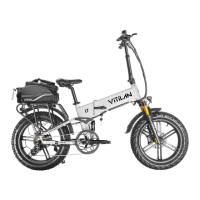
◆ Setting of Magnetic Steel Number of Helper Disk
N-Represents the number of magnetic steels on the booster disk. The corresponding
number of magnetic steels on the booster disk can be selected through the UP/DOWN
key. Press the "i" key briefly to confirm and enter the booster sensor setting interface.
The default number of disk magnets is 12.
◆ Speed Sensor Settings (Option)
SPS represents a speed sensor, which can be set according to the number of
magnetic heads installed on the wheels of the electric vehicle, with a setting range of
1-15; Modify by pressing UP/DOWN key for a short time, press "i" key for a long time
to confirm and return to the instrument setting item selection interface. The factory
default value of the instrument is 1.



 To Next Page