29
◆ Turn Band Function Settings (Options)
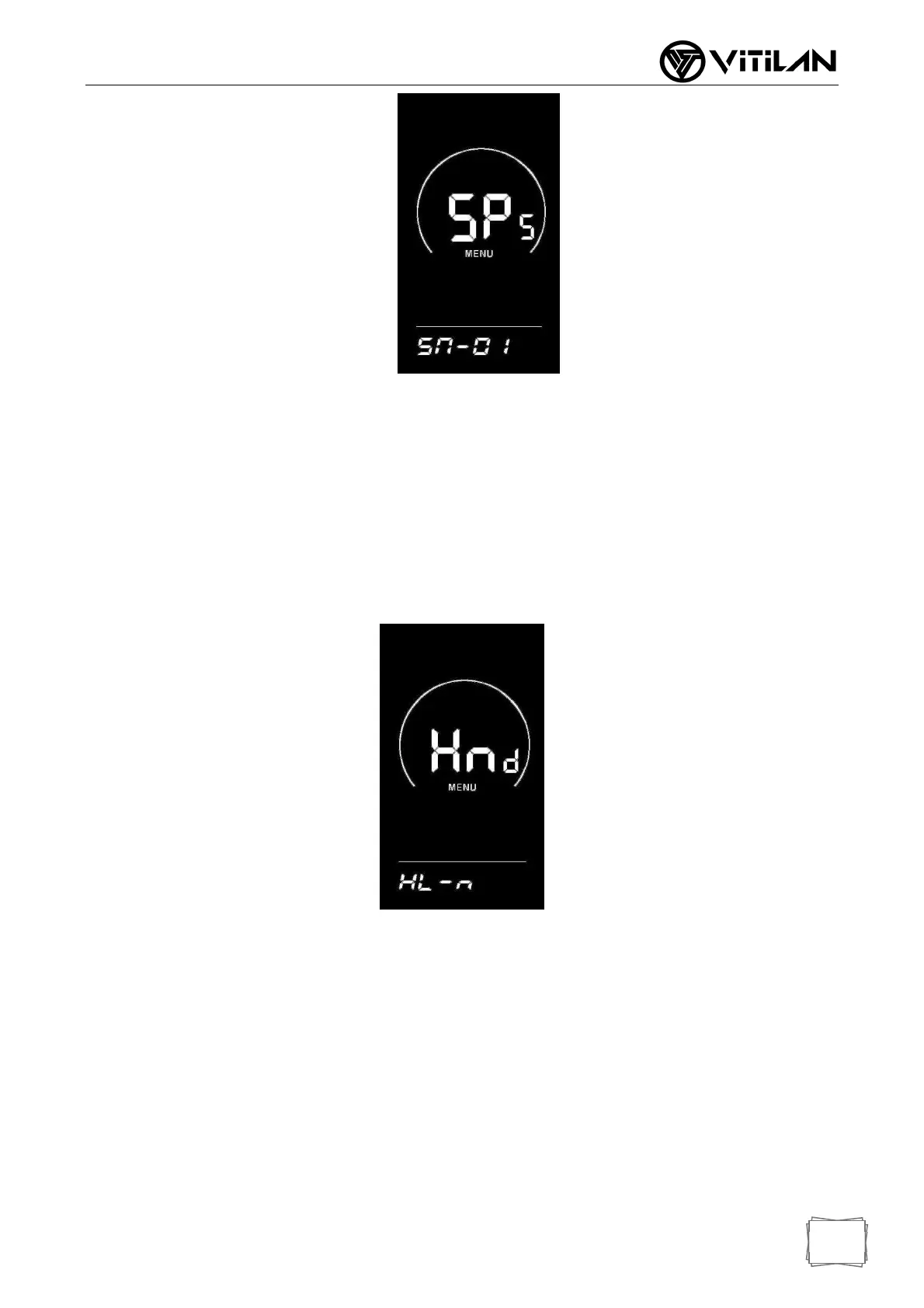
Turn Handle Assisted Push Enable Setting
Hnd means the rotary handle, HL means the rotary handle assists in pushing,HL-N
means the rotary handle has no assist in pushing function, and HL-Y means the rotary
handle has assist in pushing function. When the rotary handle is turned, the instrument
enters the assist in pushing mode; You can switch Y/N through UP/DOWN key, press
"i" key briefly to confirm, if N is selected, you will enter the turning handle gear enable
setting interface; Otherwise, return to the instrument setting item selection interface.
The factory default value of the instrument is N.
◆ Rotary Handle Gear Enable Setting
HF-Y means that the rotating handle is divided into gears, HF-N means that the
rotating handle is not divided into gears. If the rotating handle is selected to be divided
into gears, it means that when the rotating handle is rotated, the maximum speed can
only reach the corresponding speed corresponding to the gear displayed on the
instrument. If the rotating handle is selected not to be divided into gears, it means that
when rotating the rotating handle, it is not limited by the gears displayed on the
instrument and can reach the rated maximum speed. Y/N can be set through the
UP/DOWN key, and the "i" key is briefly pressed to confirm and return to the enabling
setting interface for the rotary handle to assist in pushing. Press the "i" key for a long
time to confirm and return to the instrument setting item selection interface. The factory
default value of the instrument is N.



 To Next Page