30
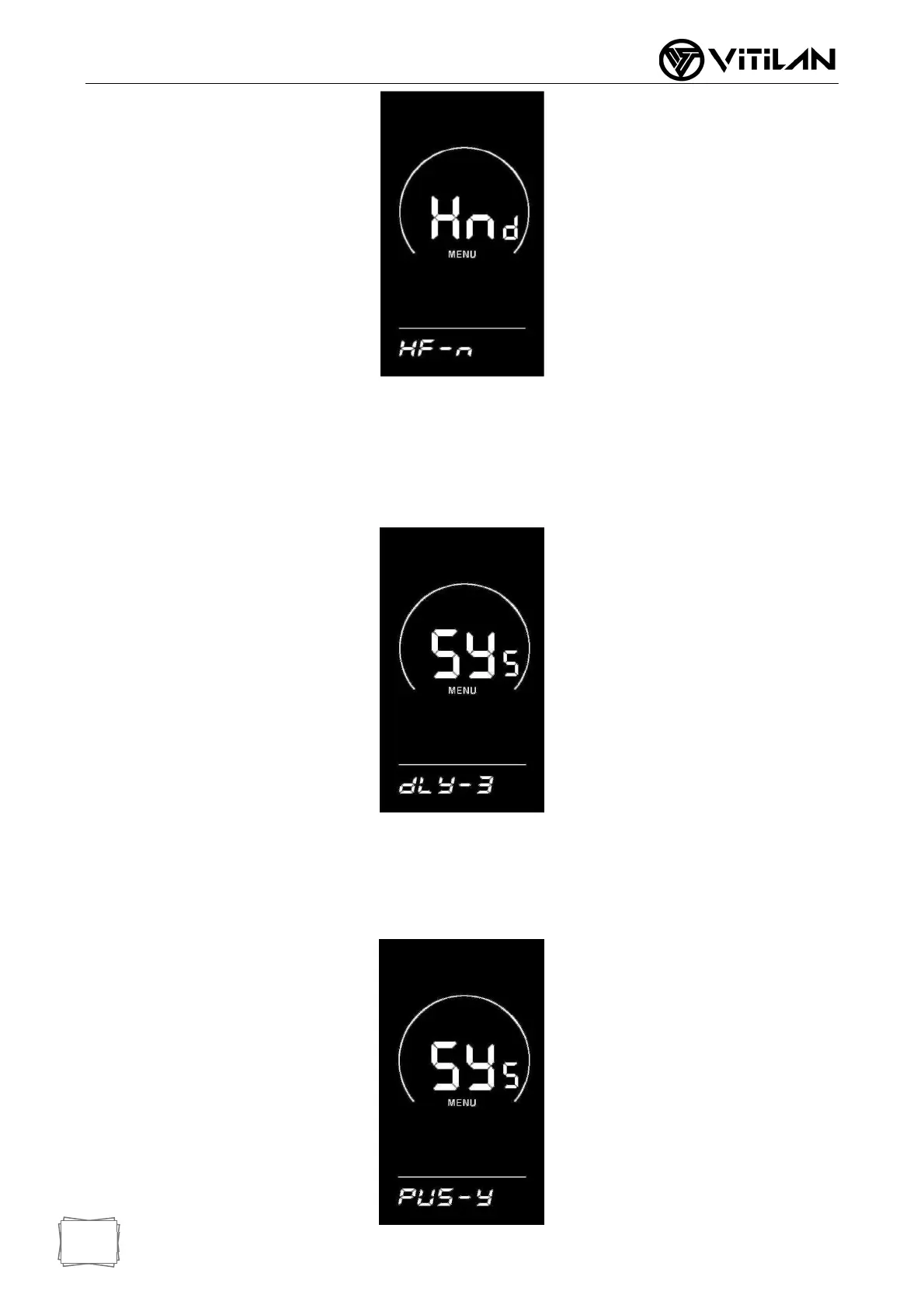
◆ System Settings (Options)
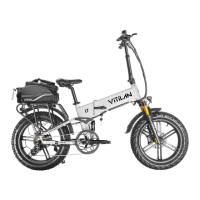
Electricity Delay Time Setting
dLY represents the power delay time, and the power delay time of 3/6/12s can be
selected through UP/DOWN key.
Press the "i" key briefly to confirm and enter the maximum speed limit setting interface.
The instrument factory defaults to 3s.
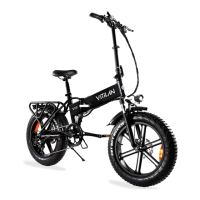
◆ Key Assisted Push Enable Settings
PUS represents the push enable of the key, Y/N can be switched through the
UP/DOWN key, Y represents the enable, and N represents the non-enable; Press the
"i" key briefly to confirm and enter the assist push speed setting. The factory default
value of the instrument is Y.



 To Next Page