31
◆ Slow Start Settings
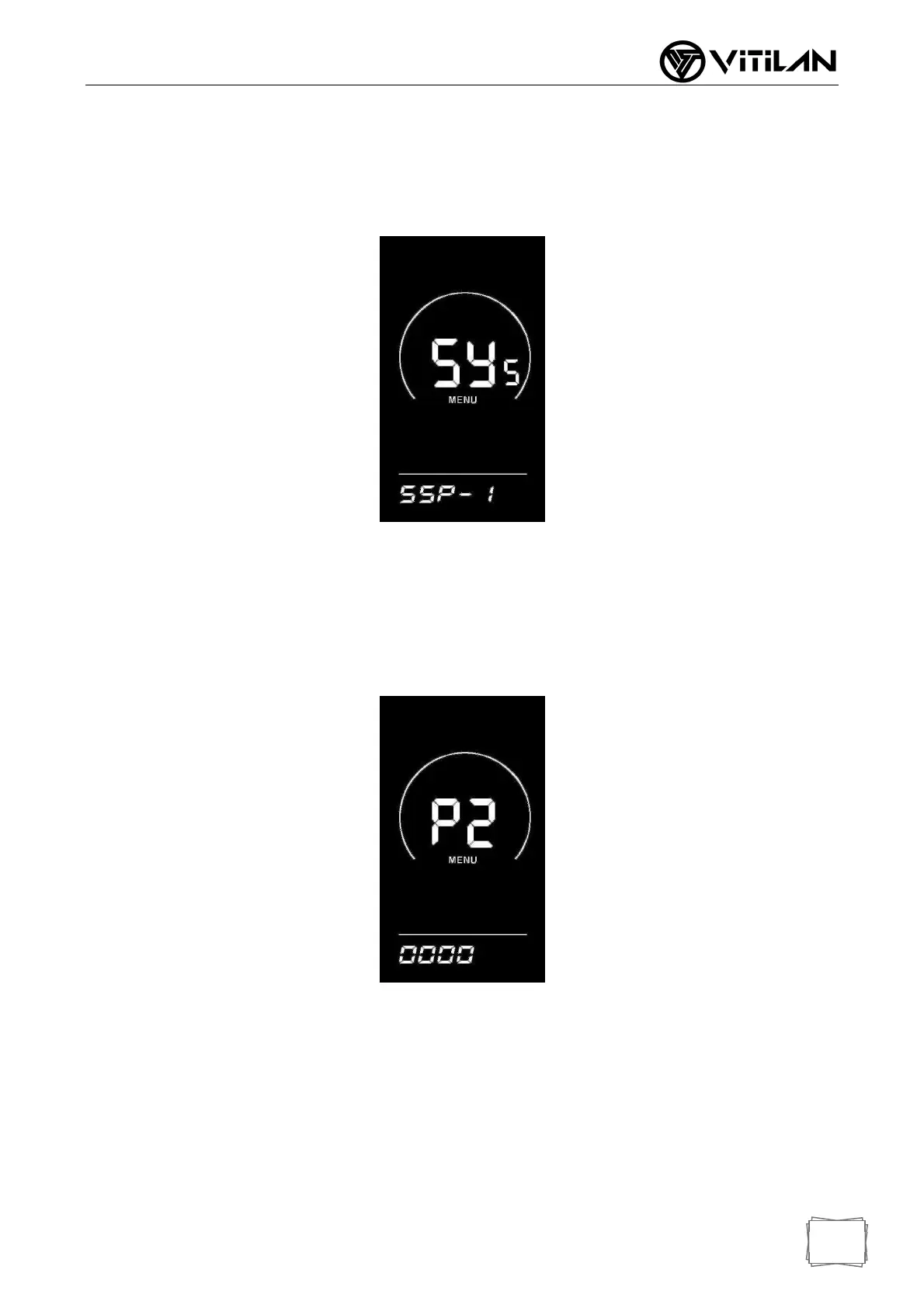
SSP stands for slow start, with an adjustable range of 1-4, and 4 stands for the
slowest. You can select through the
UP/DOWN key, press the "i" key for a long time to confirm and exit the setting.
Instrument factory default 1.
◆ Boot Password Settings
Press the "i" key to enter the password setting state, and the screen prompts "P2" to
indicate the boot password. Press the "i" key to shift, add/subtract the input value
through the UP/DOWN key, and press the "i" key to confirm after the 4- digit password
is input. If the password is correct, enter the boot password enable setting interface,
otherwise stay in the password input state. The default boot password is 1212.
◆ Boot Password Enable
After inputting the password, enter the password enable interface, and select Y/N
through the UP/DOWN key. Y indicates that the boot password is required and N
indicates that the boot password is not required.
Press the "i" key briefly to confirm. If Y is selected, press the "i" key briefly to enter the
password modification state, otherwise exit the password setting and return to the
instrument setting item selection interface.
The default of instrument factory is N.



 To Next Page