32
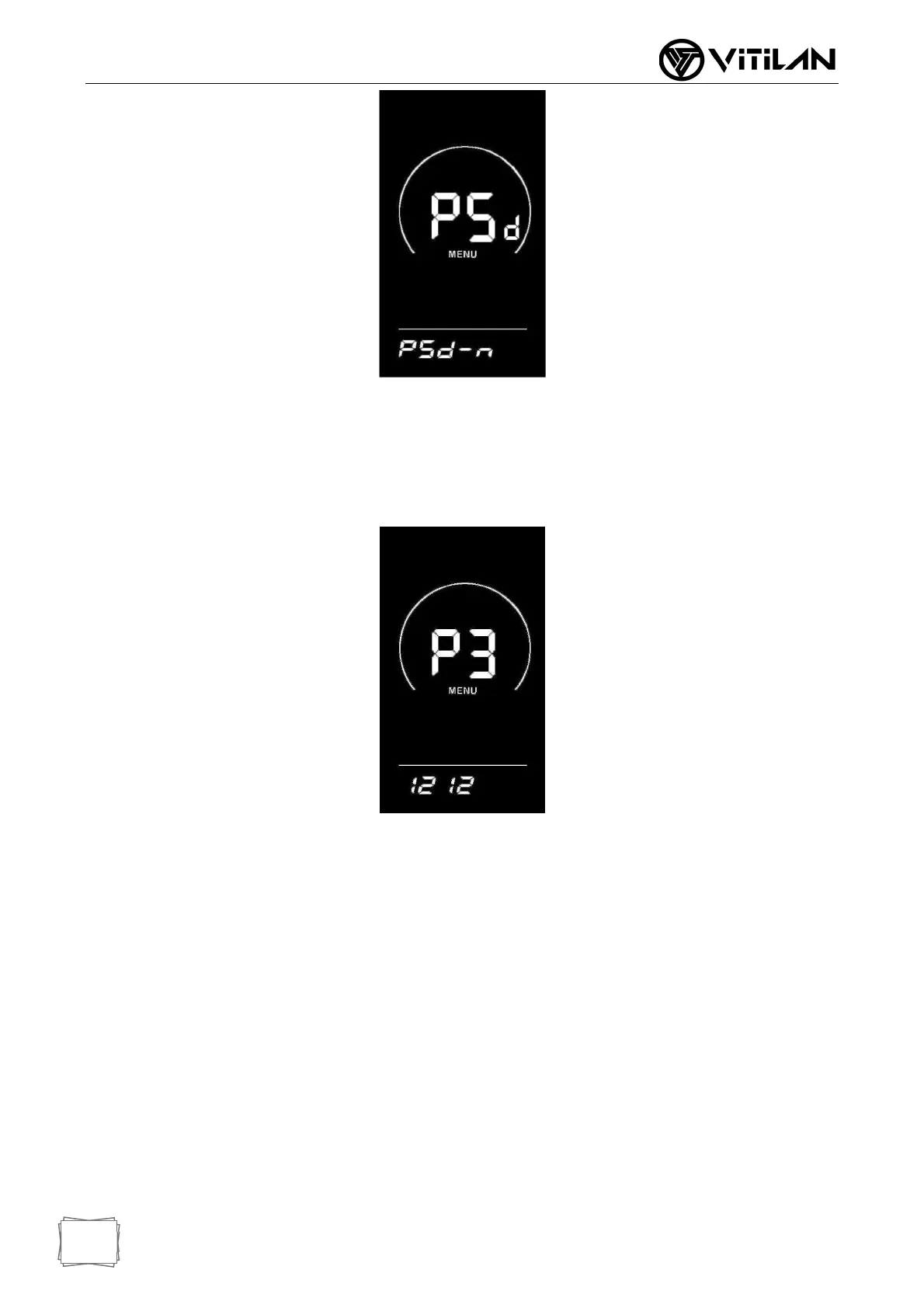
◆ Switch-on Password Modification
The instrument displays P3. Press the "i" key briefly to shift, and add/subtract the input
value through the UP/DOWN key. After modification, press the "i" key for a long time
to save and confirm, and exit the setting interface. Restarting the instrument will
display P1, 0000, and the instrument will not work normally until the correct password
is entered.
◆ Exit Settings
In the setting state, pressing the "i" key briefly (within 2 seconds) is to confirm the input
and save the current setting; Press the "i" key for more than 2 seconds to confirm the
saving of the current setting and exit the current setting state; Press the DOWN key for
more than 2 seconds to cancel the current operation and exit the setting, and do not
save the current setting data.
■ No operation is carried out within one minute, and the instrument automatically
exits the setting state.
◆ Restore Default Settings
dEF stands for restoring the default parameters, Press and hold the UP + i key for
more than 2 seconds at the same time under the normal display interface, You can
enter the interface of restoring default parameters. Switch Y/N through UP/DOWN key.
Y indicates that the default parameters need to be restored and N indicates that the
default parameters do not need to be restored. If Y is selected, the instrument will



 To Next Page