8
1.4 Microscope Programming Functions
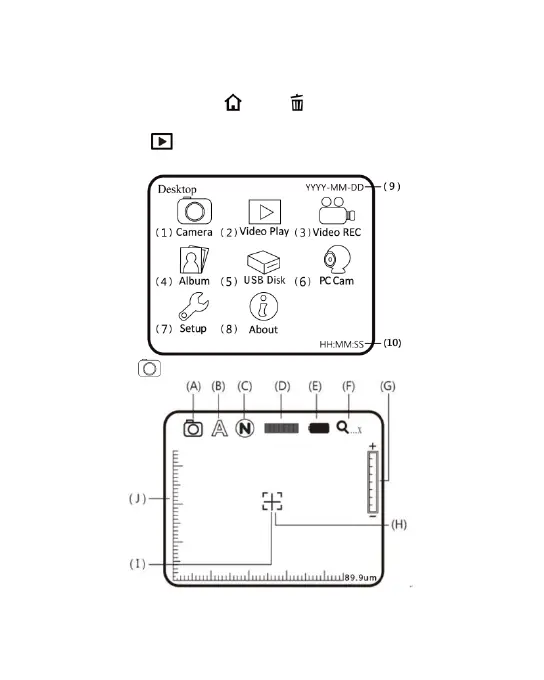
There are 8 function modes in the programming interface.
Press the Function Menu /Delete button to switch functional
modes in the Camera. In other modes, press the button of Preview
Photo /Back to back to the Menu and switch function as
displayed in the following image:
(1) Camera : Observation mode.



 To Next Page