19
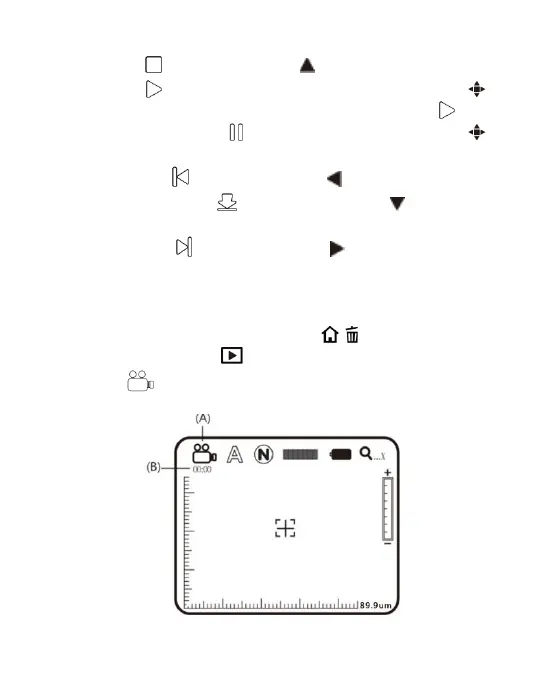
(B) Stop : Press the button of to stop playing video.
(C) Play : After selecting file, press the button of
(Confirmation) to play the video, and the sign of will
be changed to (pause). Press the button of
(Confirmation) to pause playing.
(D) Last File : Press the button of to play the last file.
(E) Hide the Panel : Press the button of to hide the
control panel.
(F) Next File : Press the button of to play the next file.
(G) Current Time: Total time for the playing/video play
currently.
(H) Timer Shaft: Timer shaft for video playing.
In addition, you can press the button of / to delet the current
video, and the button of to quit playing program.
(3) REC : a model to record the video, please see the icon on
the upper left.



 To Next Page