21
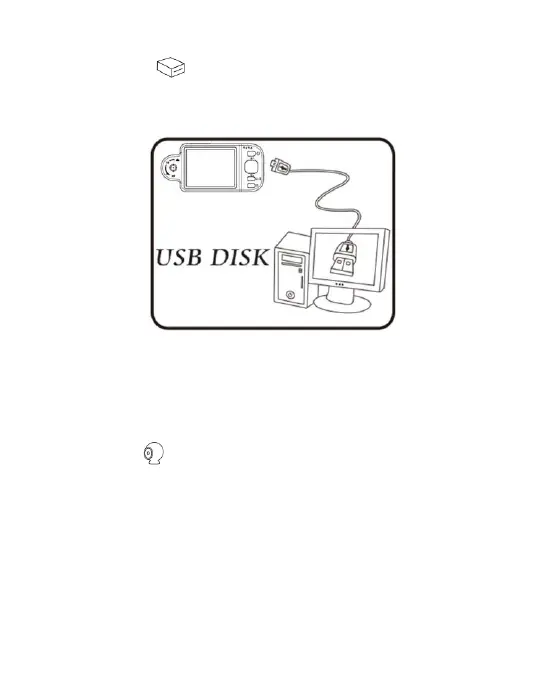
(5) USB Disk : VT300 has its internal memory(2G), save
files as USB storage device directly to C Slot. For
transmission files to PC, please refer to item (1) of Section 1.5
and the following image.
(A) Refer to section 1.5.5 to connect to computer.
(B) Access “USB disk” mode to operate by microscope.
(C) “Removable disk” window will pop up; or enter
“my computer”, an device of “removable disk” is shown on
the screen.
(6) PC Cam : Mode of computer camera (PC Camera). In this
mode, the machine can be linked to the computer as internet
camera or microscope camera. Before using, please link the
USB transmission line and install driver program in the
computer for correct linkage. For program installation, please
refer to Section 2. The mode is as follows:



 To Next Page