22
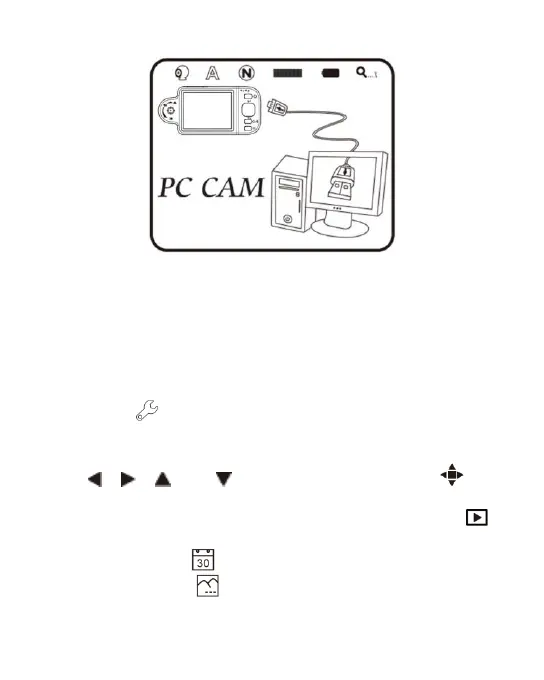
(A) Refer to section 1.5.5 to connect to computer.
(B) To operate by the device, please access “PC cam” and
press “confirm”.
(C) Start the application in the computer as introduced in
section 2.2.
(D) Click “connect” on the application as shown in section
3.4.
(7) Set Up : a model to set the system and provides seven
functions for selection according to your own orientation.
Please refer to the following setting image. Press buttons of
, , and to select and adjust and to
confirm the setting. System will be back to the image of
system setting model after confirmation. Press button
(Comfirmation button) to quit the model.
(A) Date/Time : Setup Date and Time on the device.
(B) Timestamp : To decide to save Date/Time on the



 To Next Page