4.Installation and Connection
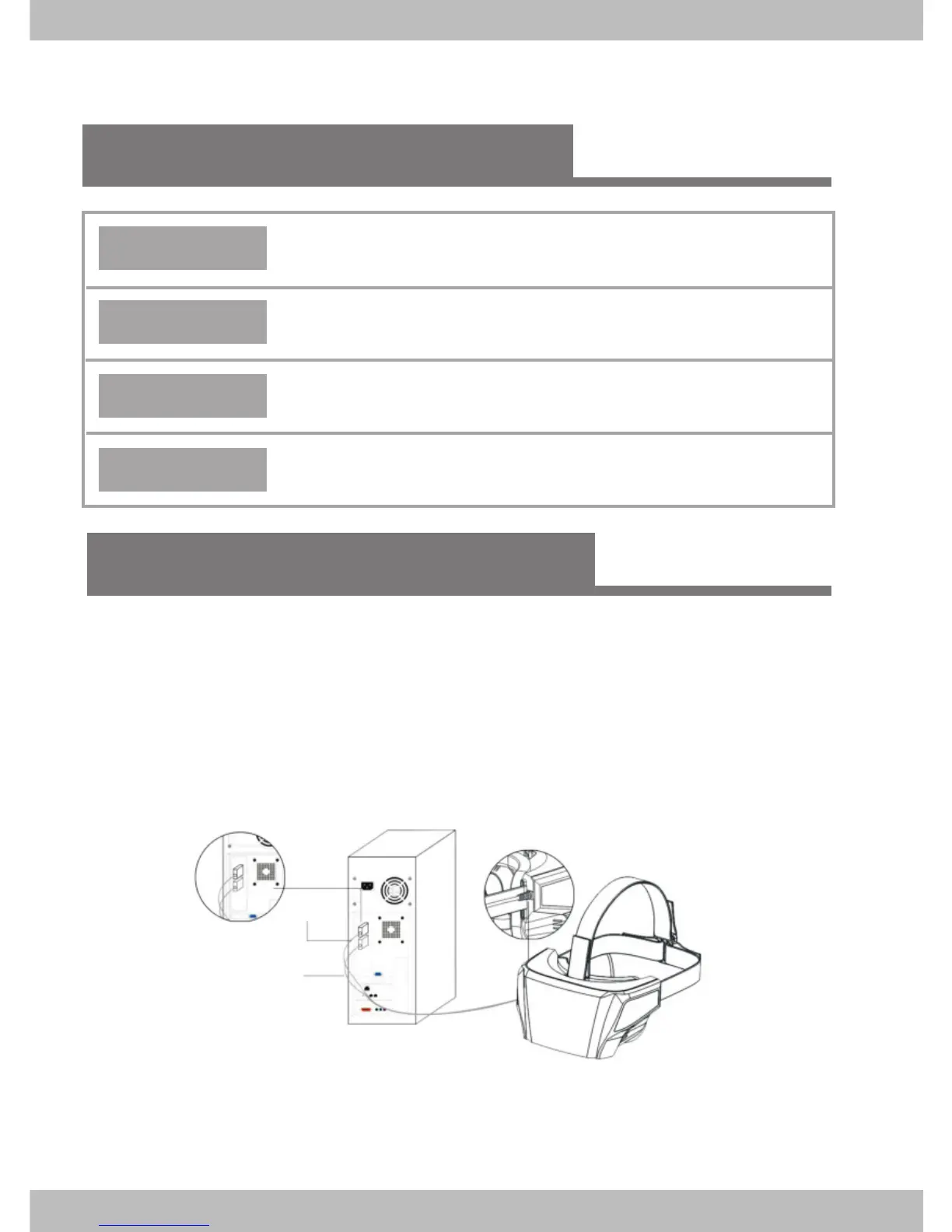
Connect the headset to desktop
3.Configuration suggestions
System
Windows 7 64bit, Windows 8.1 64bit
Graphic Card
NVIDIA GTX 960 and above or equivalent AMD and above
Memory
8GB or more
CPU
Intel i7-4770 or equivalent AMD FX processor
Put the headset horizontally on the table;
Connect the HDMI/USB data cable to the computer, as indicated
in the figure below.
HDMI cable
USB cable
please connect the USB cable to the USB port at the back
of computer.
*
Note:


 To Next Page